2024-10-16 Echo Chamber (Scripting)
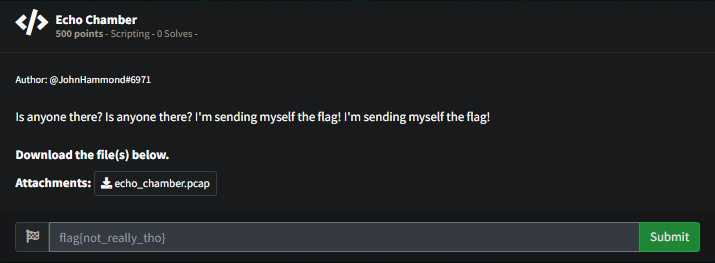
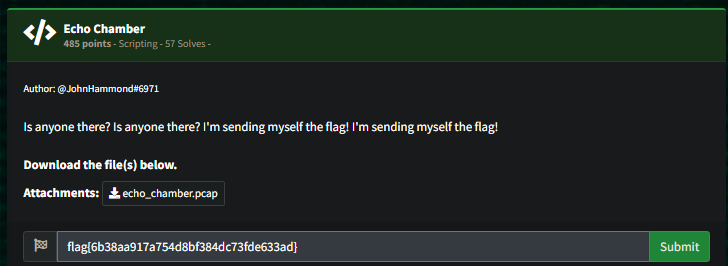
Okay ping echos in the pcap file
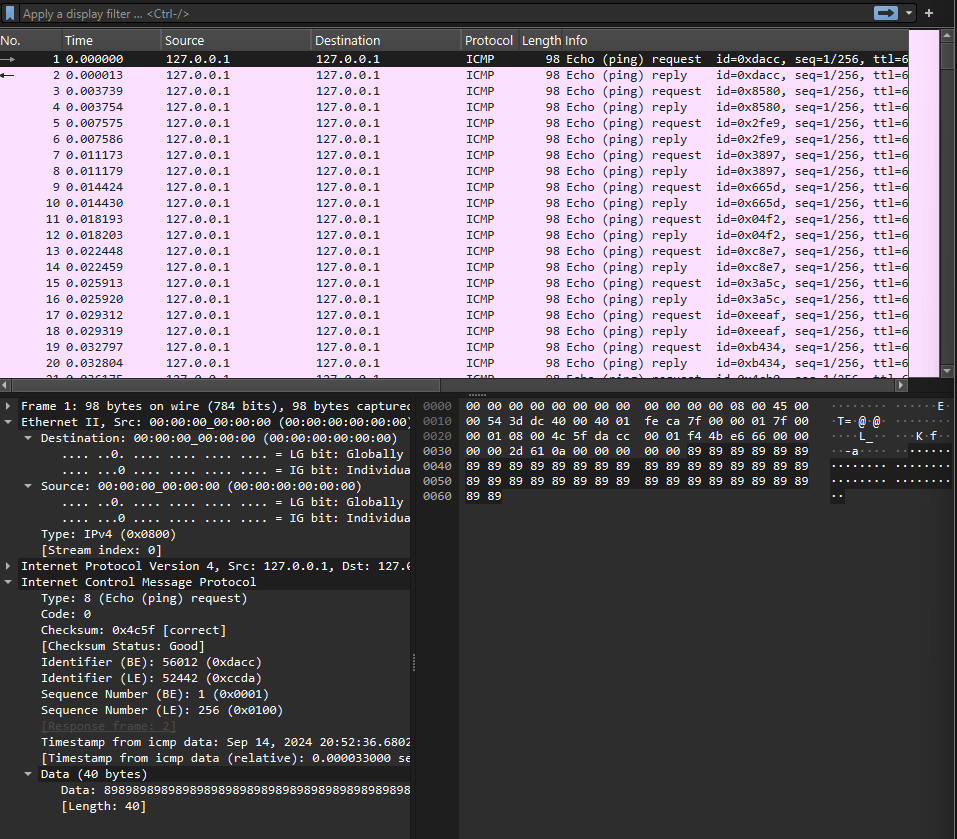
Extract the data values from the pcap file
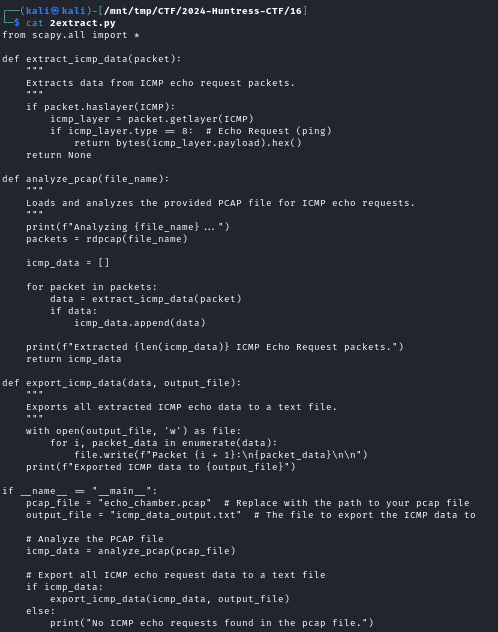
Script in ss above.
from scapy.all import *

def extract_icmp_data(packet):
    """
    Extracts data from ICMP echo request packets.
    """
    if packet.haslayer(ICMP):
        icmp_layer = packet.getlayer(ICMP)
        if icmp_layer.type == 8:  # Echo Request (ping)
            return bytes(icmp_layer.payload).hex()
    return None

def analyze_pcap(file_name):
    """
    Loads and analyzes the provided PCAP file for ICMP echo requests.
    """
    print(f"Analyzing {file_name}...")
    packets = rdpcap(file_name)

    icmp_data = []

    for packet in packets:
        data = extract_icmp_data(packet)
        if data:
            icmp_data.append(data)

    print(f"Extracted {len(icmp_data)} ICMP Echo Request packets.")
    return icmp_data

def export_icmp_data(data, output_file):
    """
    Exports all extracted ICMP echo data to a text file.
    """
    with open(output_file, 'w') as file:
        for i, packet_data in enumerate(data):
            file.write(f"Packet {i + 1}:\n{packet_data}\n\n")
    print(f"Exported ICMP data to {output_file}")

if __name__ == "__main__":
    pcap_file = "echo_chamber.pcap"  # Replace with the path to your pcap file
    output_file = "icmp_data_output.txt"  # The file to export the ICMP data to

    # Analyze the PCAP file
    icmp_data = analyze_pcap(pcap_file)

    # Export all ICMP echo request data to a text file
    if icmp_data:
        export_icmp_data(icmp_data, output_file)
    else:
        print("No ICMP echo requests found in the pcap file.")
This script outputs the data chunks we’re looking for
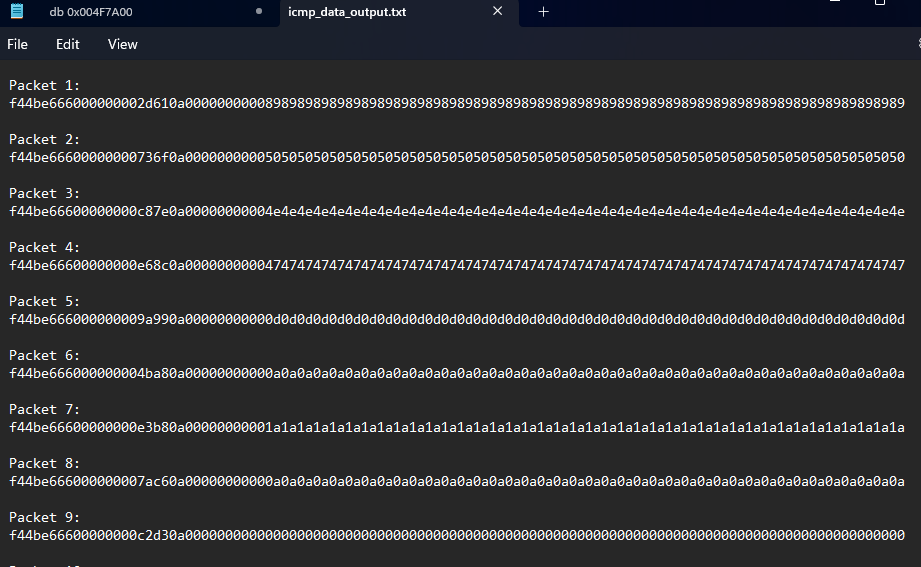
We can see the PNG and IHDR in the decoded text from the output of this script, se we know for sure it’s a file being tunneled.
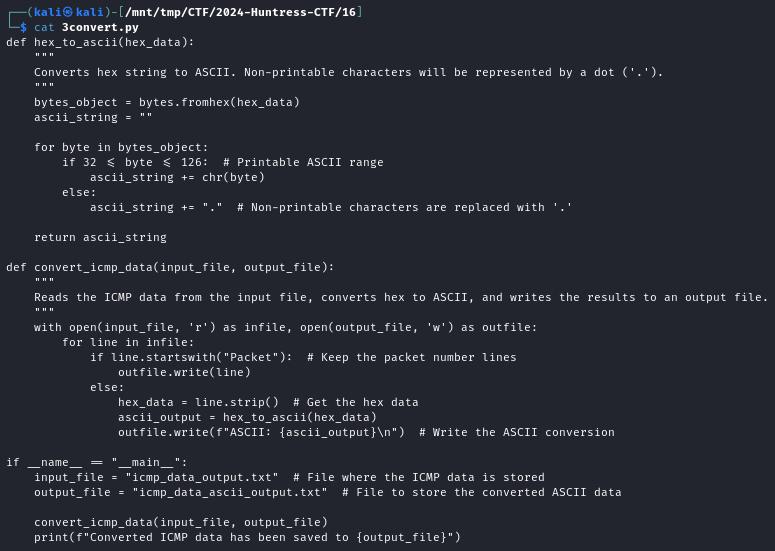
def hex_to_ascii(hex_data):
    """
    Converts hex string to ASCII. Non-printable characters will be represented by a dot ('.').
    """
    bytes_object = bytes.fromhex(hex_data)
    ascii_string = ""

    for byte in bytes_object:
        if 32 <= byte <= 126:  # Printable ASCII range
            ascii_string += chr(byte)
        else:
            ascii_string += "."  # Non-printable characters are replaced with '.'

    return ascii_string

def convert_icmp_data(input_file, output_file):
    """
    Reads the ICMP data from the input file, converts hex to ASCII, and writes the results to an output file.
    """
    with open(input_file, 'r') as infile, open(output_file, 'w') as outfile:
        for line in infile:
            if line.startswith("Packet"):  # Keep the packet number lines
                outfile.write(line)
            else:
                hex_data = line.strip()  # Get the hex data
                ascii_output = hex_to_ascii(hex_data)
                outfile.write(f"ASCII: {ascii_output}\n")  # Write the ASCII conversion

if __name__ == "__main__":
    input_file = "icmp_data_output.txt"  # File where the ICMP data is stored
    output_file = "icmp_data_ascii_output.txt"  # File to store the converted ASCII data

    convert_icmp_data(input_file, output_file)
    print(f"Converted ICMP data has been saved to {output_file}")
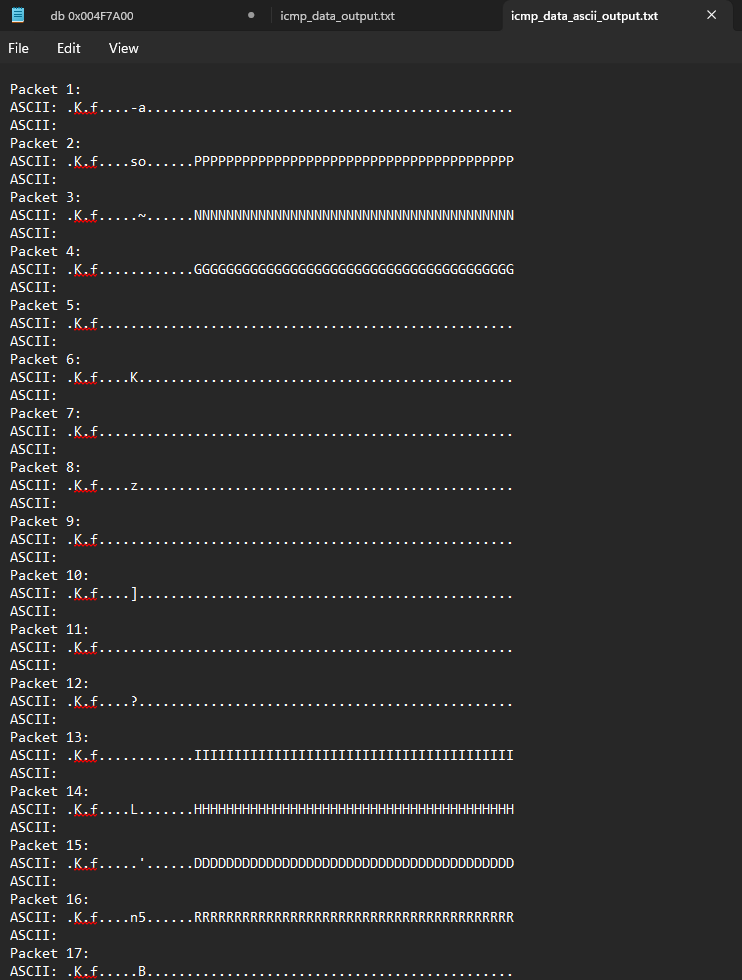
The PNG values seen
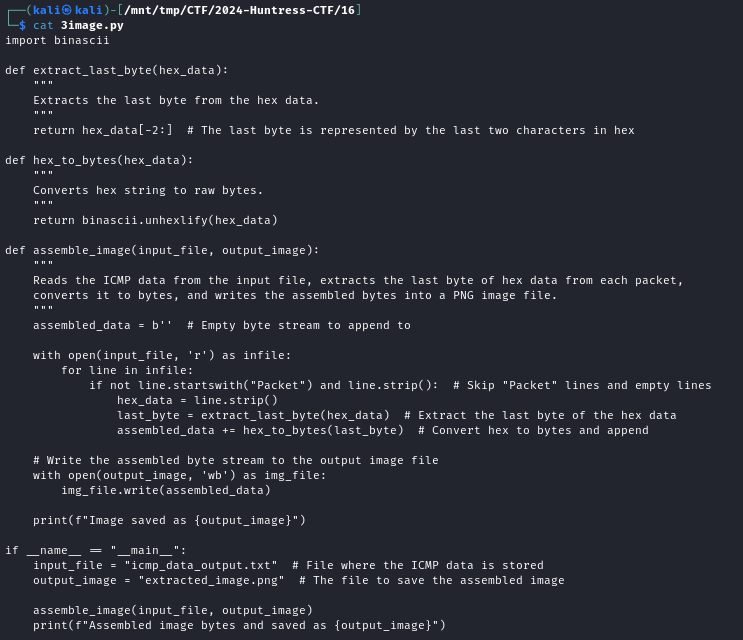
Extracting the last byte and reconstructing image since we don’t need the full data chunk 40 values
import binascii

def extract_last_byte(hex_data):
    """
    Extracts the last byte from the hex data.
    """
    return hex_data[-2:]  # The last byte is represented by the last two characters in hex

def hex_to_bytes(hex_data):
    """
    Converts hex string to raw bytes.
    """
    return binascii.unhexlify(hex_data)

def assemble_image(input_file, output_image):
    """
    Reads the ICMP data from the input file, extracts the last byte of hex data from each packet,
    converts it to bytes, and writes the assembled bytes into a PNG image file.
    """
    assembled_data = b''  # Empty byte stream to append to

    with open(input_file, 'r') as infile:
        for line in infile:
            if not line.startswith("Packet") and line.strip():  # Skip "Packet" lines and empty lines
                hex_data = line.strip()
                last_byte = extract_last_byte(hex_data)  # Extract the last byte of the hex data
                assembled_data += hex_to_bytes(last_byte)  # Convert hex to bytes and append

    # Write the assembled byte stream to the output image file
    with open(output_image, 'wb') as img_file:
        img_file.write(assembled_data)

    print(f"Image saved as {output_image}")

if __name__ == "__main__":
    input_file = "icmp_data_output.txt"  # File where the ICMP data is stored
    output_image = "extracted_image.png"  # The file to save the assembled image

    assemble_image(input_file, output_image)
    print(f"Assembled image bytes and saved as {output_image}")
Open the flag in the png
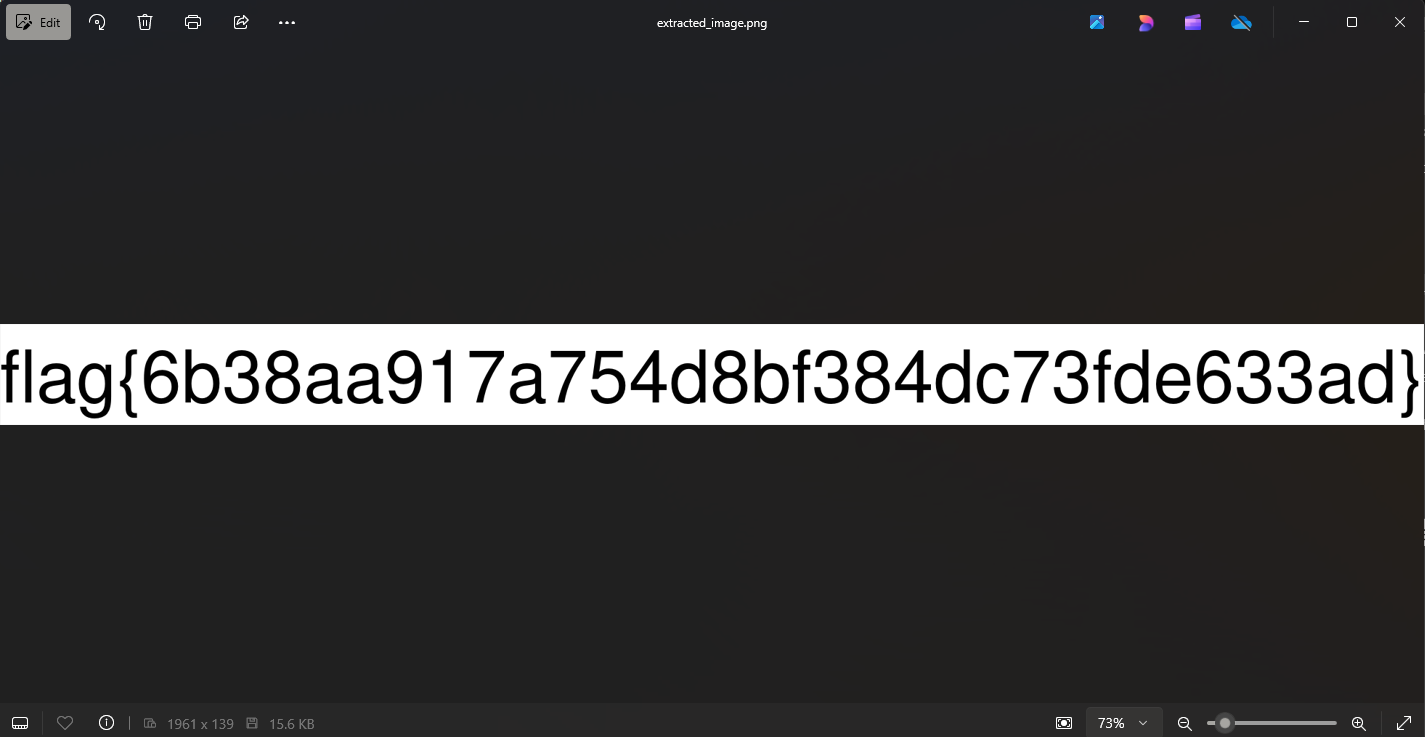
flag{6b38aa917a754d8bf384dc73fde633ad}